
So you’ve signed up for and gotten approved for BizSpark; the next step is to activate your Azure credits so you can start running backend stuff for your app. Here are 7 steps to activate your free monthly USD150 worth of Azure benefits.
###3 1) Primary user logs on to BizSpark
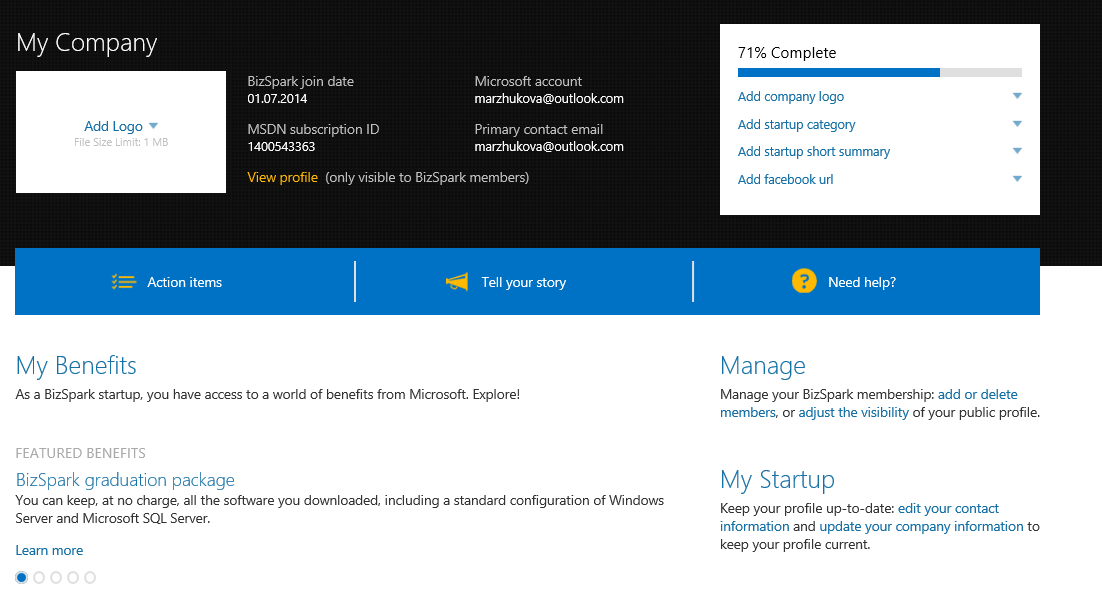
###3 2) Click on ‘My Benefits’ > ‘Microsoft Azure’ > ‘How do I get it.’
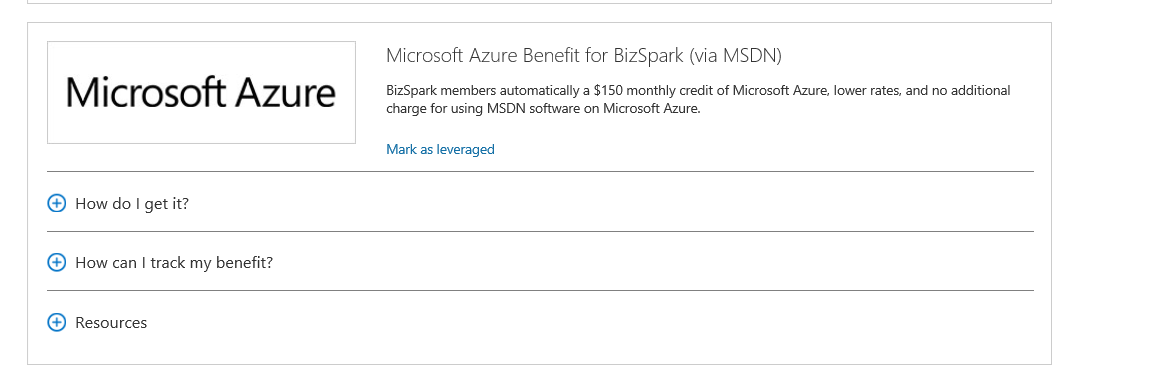
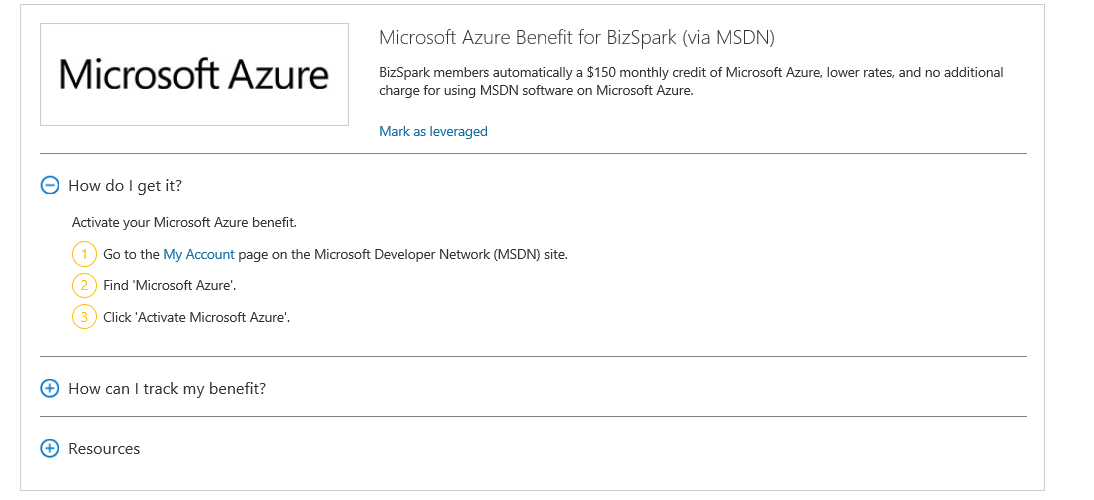
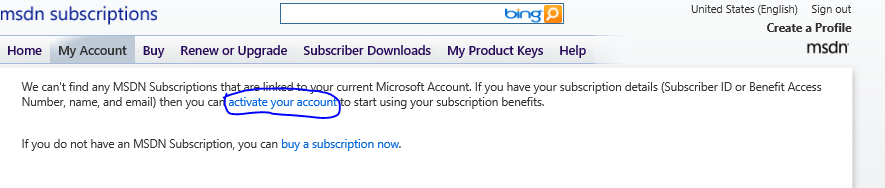
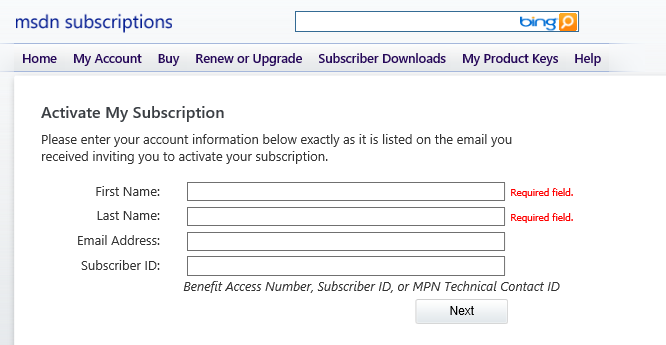
###3 3) Clicking on ‘My Account’ will bring you to the MSDN Subscription page, where first-time users need to activate their accounts by clicking on “Activate your account” link
###3 4) You input your details.
- Email address should be the Primary contact email used for your BizSpark Registration.
- MSDN Subscriber ID is located at your Startup Dashboard.
- First name and last name should match your BizSpark registration as well.
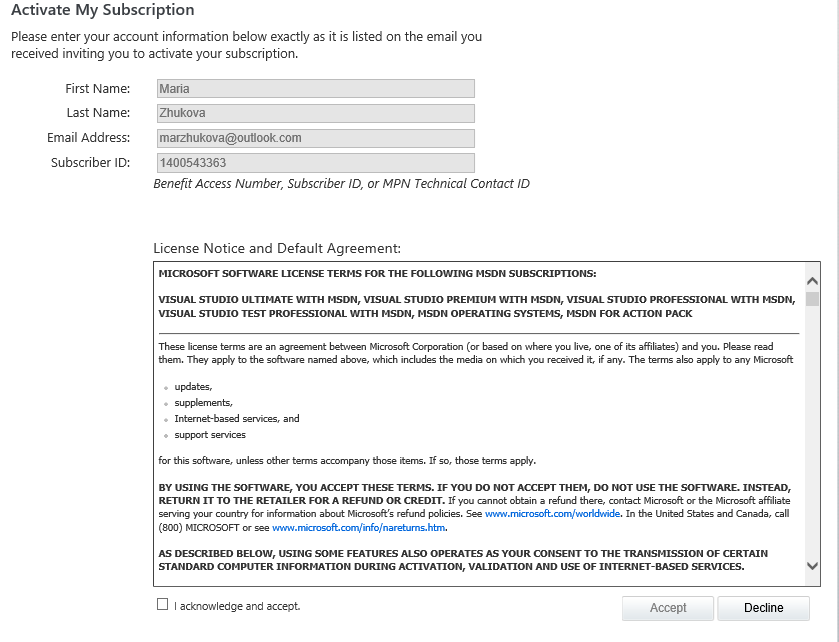
###3 5) Accept the MSDN agreement.
###3 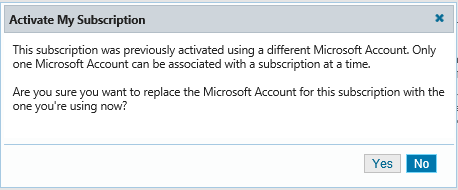
###3 6) After subscription is activated, you will see the MSDN benefits dashboard and can activate/update your benefits.
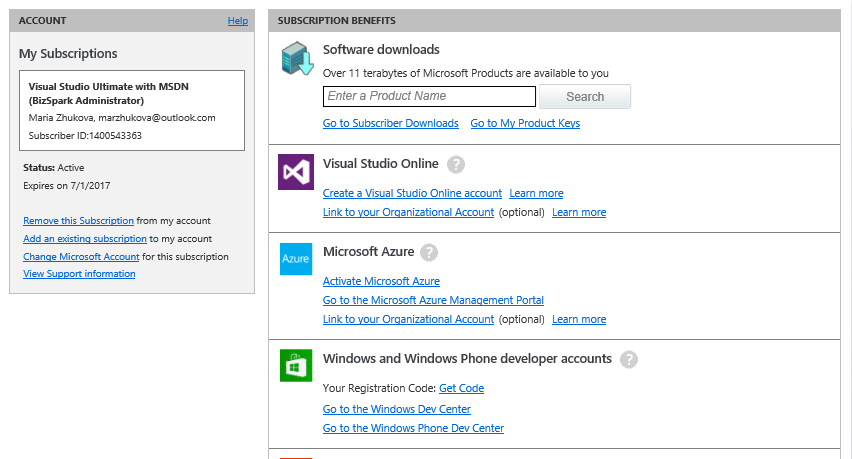
###3 7) Clicking on ‘Active Microsoft Azure’ will take you to the Live ID authentication page and once you are authenticated, you will be able to get an Azure Subscription.