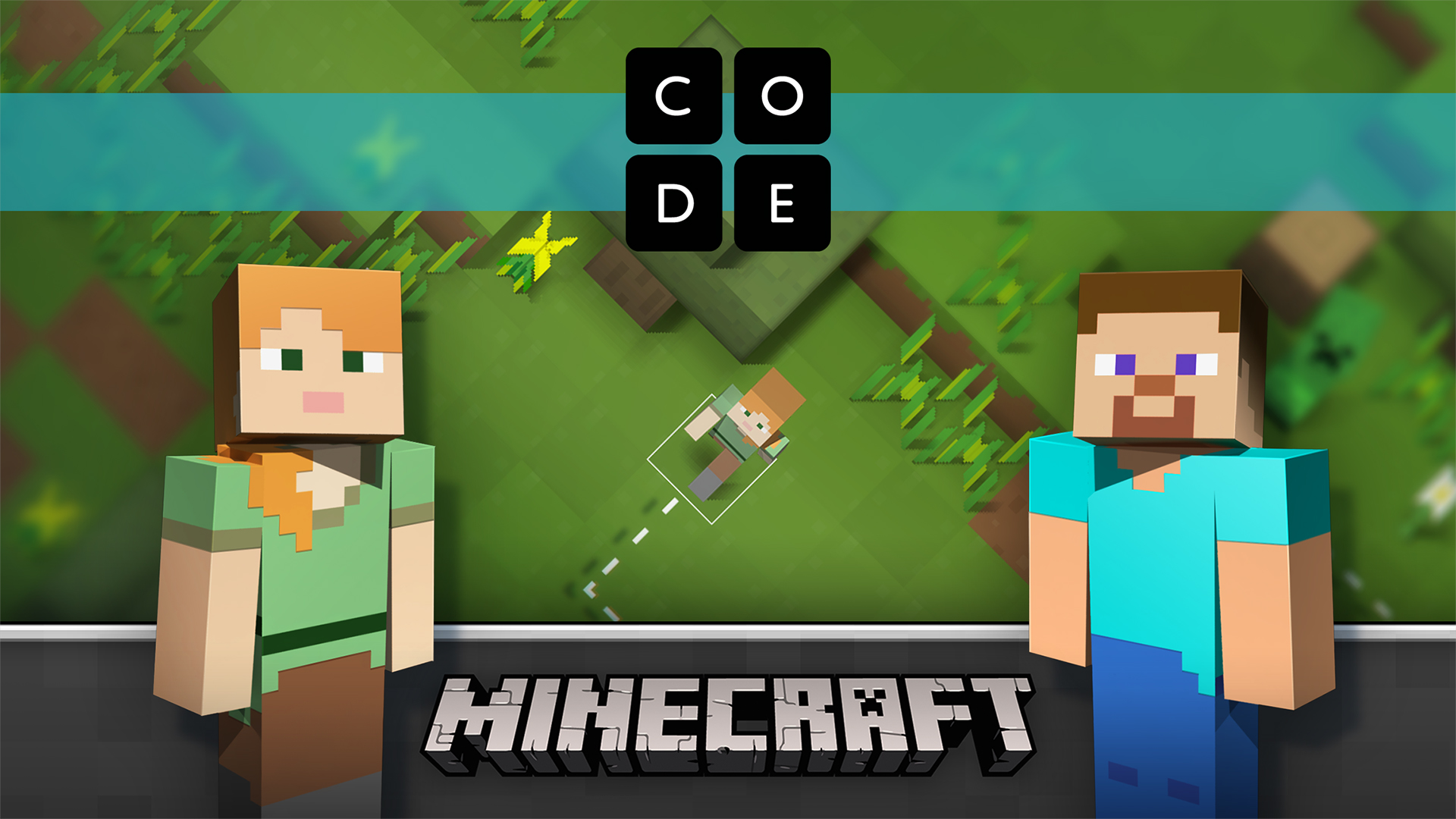
Microsoft and Code.org team up to bring ‘Minecraft’ to Hour of Code

Microsoft and Code.org team up to bring ‘Minecraft’ to Hour of Code “Minecraft” Hour of Code tutorial aims to introduce millions of youth to the creativity of computer science. REDMOND, Wash. — Nov. 16, 2015 — Microsoft Corp. and Code.org on Monday unveiled a “Minecraft” coding tutorial for students and educators, created especially for the third-annual Hour of Code, a campaign to broaden global participation in computer science, held during Computer Science Education Week, Dec. 7–13. The new tutorial, now available at https://www.code.org/mc, introduces players to basic coding within the fun and popular “Minecraft” environment. Created by “Minecraft” game designers together with Code.org, the tutorial features Steve and Alex from “Minecraft” and “Minecraft”-inspired challenges that will be familiar to its more than 100 million players around the world. Designed for ages 6 and up, the “Minecraft” tutorial introduces players to basic coding skills, encouraging them to navigate, mine, craft and explore in a 2-D “Minecraft” world by plugging together blocks to complete all actions and generate computer code. Players are offered a set of 14 challenges, including free play time, to explore coding concepts they’ve learned through the tutorial. “‘Minecraft’ is a special game that girls and boys alike often can’t be pried away from,” said Code.org CEO and Co-founder Hadi Partovi. “Microsoft continues to be Code.org’s most generous donor and one of the largest supporters of the worldwide movement to give every student the opportunity to learn computer science. This year’s ‘Minecraft’ tutorial will empower millions of learners around the world to explore how a game they love actually works and will inspire them to impact the world by creating their own technology or apps.” To date, more than 100 million students across 180 countries and 40 languages have participated in the Hour of Code, including one in three students in U.S. schools. This year, the campaign expects to exceed 100,000 events during Dec. 7?13 and to continue introducing more girls and underrepresented students of color to this foundational 21st century field. In support of Code.org and the global Hour of Code campaign, Microsoft will also lead thousands of Hour of Code events in more than 50 countries around the world. Events will take place at Microsoft stores, offices and innovation centers as well as facilities of Microsoft’s YouthSpark nonprofit partners and schools. They will be led by over 7,000 Microsoft Student Partners, Most Valuable Professionals (MVPs) and employee volunteers. In addition, Microsoft is gifting Windows Store credit to every educator who organizes an Hour of Code event worldwide. About Code.org Launched in 2013, Code.org® is a non-profit dedicated to expanding access to computer science, and increasing participation by women and underrepresented students of color. Its vision is that every student in every school should have the opportunity to learn computer science. Code.org believes computer science should be part of core curriculum, alongside other courses such as biology, chemistry or algebra. For more information, visit https://www.Code.org.

IT Influencer Hero 2015

Become an IT Influencer Hero Time to bring your influence over to the World Wide Web and win prizes from Microsoft. Join Influencer Hero competition to take this opportunity to showcase and shine on Channel 9, a popular technical video channel with millions of viewers globally or stand up as a technical guru who saves the day by helping others in technical forums. Simply engage with audience through submission of online learning video or help on the forum support. Points will be awarded during the competition period for your hero activities. Results will be published on the leaderboard regularly. Competition starts today till December 31, 2015. Winner will be announced on January 8, 2016. Participate now by completing the registration form by November 15, 2015.

The Cloud and .NET Moment (FREE - DevFest.Asia Edition)

This event is part of DevFest.Asia 2015, Southeast Asia’s first community organized web developer festival. FREE FOR ALL developers! The next .NET Developers and Azure community meetup will be on Thursday, November 19th, 2015. This is a special edition of .NET developers and Azure community meetup in conjunction with DevFest.Asia 2015. Let’s have a Cloud and .NET moment! For this event, we will be inviting top-notch speakers from Microsoft. SPEAKER ONE Christian Heilmann: More than 20 years as Web expert, HTML5 and JavaScript expert, spoken at 129 events in 26 countries, a Developer Evangelist - all things for open web, HTML5, writing books, articles, blogs, podcast, Channel 9 (MSDN), YouTube, you name it! Chris is a Senior Program Manager at Microsoft, working on Microsoft Edge. You want to know what is Microsoft Edge all about, first hand from the person, than you need to join this moment! Ask him! SPEAKER TWO Ryan J. Salva: JS Developer, Apache Cordova Advocate, Visual Studio Program Manager, CrossFitter, SciFi Connoisseur and Whiskey Enthusiast. Ryan is a Principal Program Manager at Microsoft, working in the Visual Studio Client Tools team where he looks after HTML, CSS and JavaScript development. He comes from a 15 year career in web standards development & advocacy as an entrepreneur, developer and graphic designer. Today, he focuses primarily on mobile app development using web technologies and Apache Cordova. Seriously, if you want to know what is cross-platform or hybrid app, than he is one of the person you should see. Ask him! So what are you waiting for? Join Us! Click HERE to sign up!

Customizing Authorization Attribute in ASP .NET

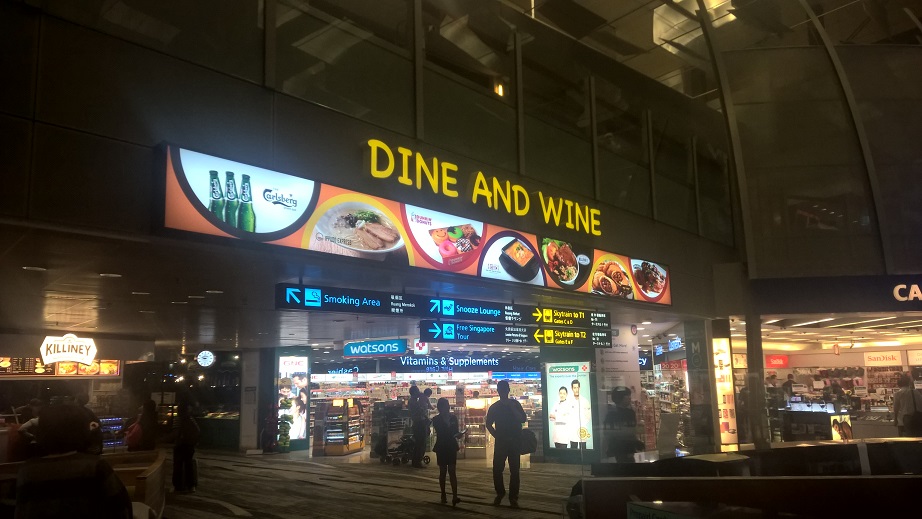
Every day after work, during dinner, our team will chat about what we have learnt, what we have done, and new project ideas. Today, I’d like to share with you one of our dinner topics about customizing authorization attribute in ASP .NET MVC5. [caption id=“attachment_21371” align=“aligncenter” width=“922”] Having dinner in airport transit area after work is enjoyable.[/caption] We’re now working on building a product management web application for a small company of around 100 employees. In the company, there are many teams, such as marketing, design, retail, product, advertising, and so on. One of the project requirements is thus to allow user logging in to the system with their own account. In ASP .NET MVC 5 project, by default, if individual user account is chosen as the authentication mode, ASP .NET Identity will use Entity Framework Code First to create a database and then store all the user information in a database. [caption id=“attachment_21378” align=“aligncenter” width=“756”] Individual User Account option in Visual Studio 2013[/caption] Role Based Access Control Normally, there will be five tables generated: AspNetUsers, AspNetUserRoles, AspNetRoles, AspNetUserLogins, AspNetUserClaims. With the help of the first three tables, we will be able to implement role-based authentication which we can restrict access to parts of our application by roles. How do we define roles? In some applications, the roles are super admin, manager, operator, agent, etc. For our case, the teams are the roles. So we will have one role for each individual team. After that, we can easily add all members in the team to the corresponding role. Then in our web application, we will be able to check if the current logged in user has the role to access or not by decorating our controllers with Authorize attribute as follows. ...

Channel 9: Windows 10 Development for Absolute Beginners

Interested in developing for Windows 10? You should be - developing for Windows 10 is as good as developing for 6 different platforms - PC, Mobile, Xbox, Devices + IoT, Surface Hub, and Holographic. Since Windows 10 launched in late July, it has already been installed on more than 110 million devices and as a free upgrade from earlier versions of Windows, that number is only going to increase. Microsoft has created a series titled “Windows 10 Development for Absolute Beginners” on Channel 9 where you can learn how to get started on your app. The description is as follows: ...

IDA Young Tech fest with Microsoft and Azure!

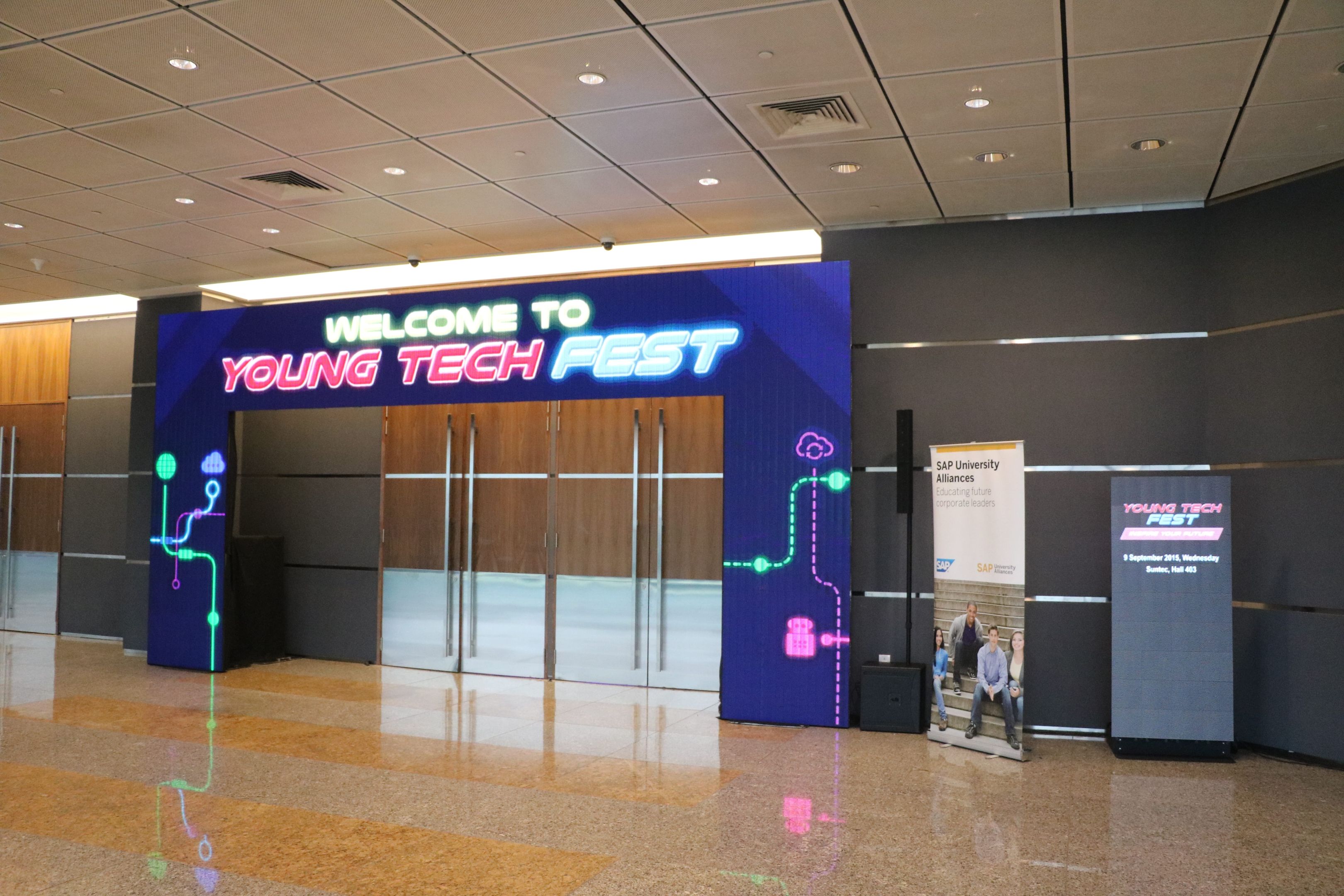
IDA Young Tech Fest is an annual 2-day festival featuring exhibitions and social events in celebration of all technological things. With all things technological there, and roughly 7 educational institutes showcasing their technological innovations, it was a sight to behold! [caption id=“attachment_21138” align=“aligncenter” width=“3240”] What awaits us beyond those doors?[/caption] [caption id=“attachment_21139” align=“aligncenter” width=“3240”] The many chairs awaiting their prospective owners[/caption] Over 2000 attendees participated in the Young Tech Fest to learn more about technology and how to shape the future. From tinkering with wearable tech and robotics, to taking a trip down Singapore’s tech evolution, the participants were engaged in all things technological. Microsoft was there on-site to showcase the technologies available and to encourage students to start their very first web blog using Microsoft Azure. I was also there helping out with curious students. [caption id=“attachment_21140” align=“aligncenter” width=“3240”] Our friendly Student helpers helping out with the booth[/caption] Halley, Shi Qin and Ling Hui were on-site to help out with any queries from the general public as well as activating their student benefits. Students can learn more about how to go about activating their benefits at Funpack if they missed it during the event. Within the funpack that Microsoft is offering, I would like to specially highlight the DreamSpark and Azure offerings in which Microsoft offers free software and the cloud platform to students to help with their learning process. To activate your free offerings, first proceed to Step One and log in using your Microsoft email account. After verifying your student status, proceed to Step Two to verify your phone number via OTP. [caption id=“attachment_21143” align=“alignnone” width=“3240”] Chatting with a student regarding Azure[/caption] I had lots of fun discussing and chatting about Azure with like-minded students who were all passionate about IT just like me! [caption id=“attachment_21141” align=“aligncenter” width=“3240”] Shi Qin helping out with our Kodu Workshop[/caption] Microsoft also held workshops teaching students how to code up a simple game using Kodu. Our friendly helpers were also on-site to help out with those who needed guidance. [caption id=“attachment_21142” align=“aligncenter” width=“3240”] Halley teaching students about Kodu Game Lab[/caption] There were also workshops held to teach participants about how to host a simple resume website using Azure. Here, we have Terence, who is our Technological Evangelist, teaching participants how to set up the resume website. Many people were at Microsoft booth to learn more about Azure or were they? :) [caption id=“attachment_21147” align=“aligncenter” width=“3240”] Crowds at the Microsoft booth[/caption] Younger students who were in for something fun found a Xbox One loaded with Halo waiting for them! [caption id=“attachment_21146” align=“aligncenter” width=“3240”] Halo on Xbox One[/caption] Finally we ended the day with a group picture of our entire team who worked hard for these 2 days! [caption id=“attachment_21149” align=“aligncenter” width=“3240”] Group shot[/caption]

SharePoint Online 2013 vs. SharePoint 2013 On-Premise

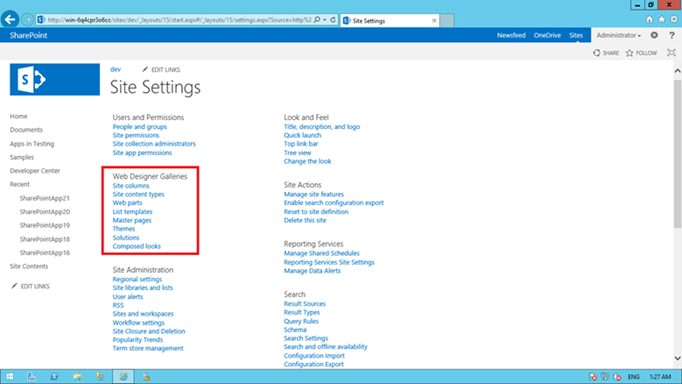
This short articles show you all the features that is meant for SharePoint On-Premise. When you reach this page https://technet.microsoft.com/en-us/library/jj819267.aspx then you will find the article comparing SharePoint Online Edition and SharePoint On-Premise Edition separately. Somehow the features it compares are the same. I extracted out what is in On-Premise but not in SharePoint Online as the table below. Development Features SharePoint Online SharePoint On-Premise BCS: Profile Pages No Yes BCS: Rich Client Integration ...

Here Comes the Win2D: Image Effects

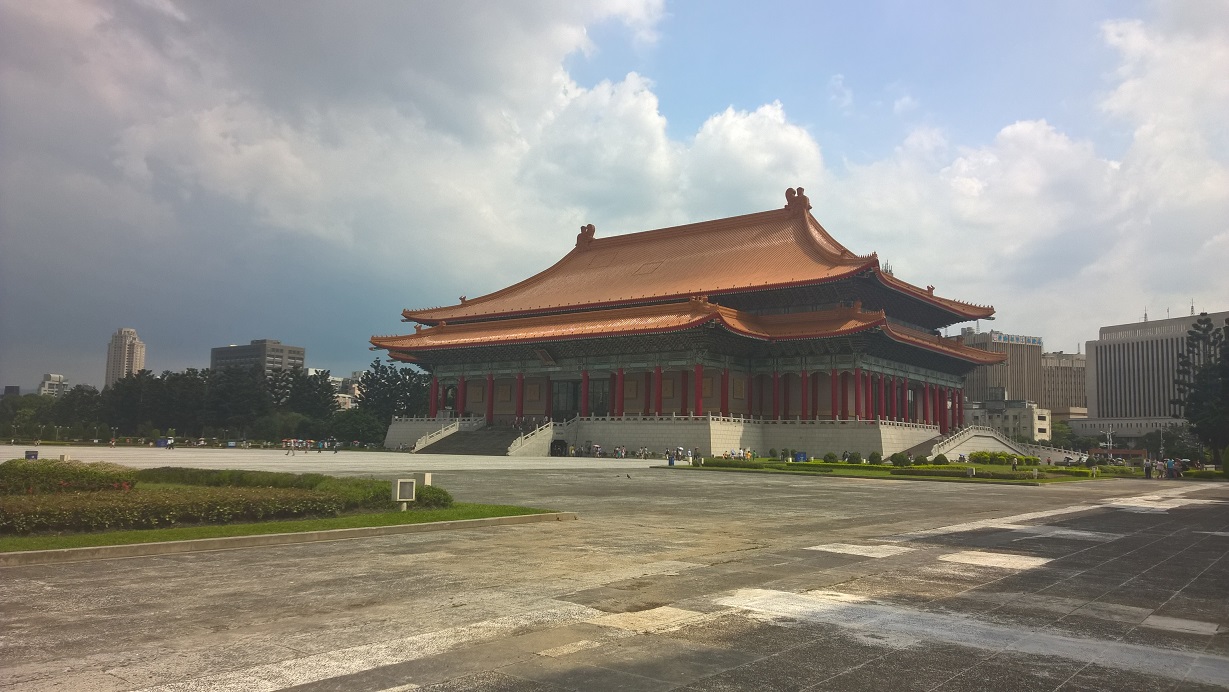
Last month, during our monthly .NET Developer Singapore Community meetup, our friend Riza from Microsoft shared with us a very cool API, Win2D. Win2D is an open-source API announced by Microsoft last year which helps developers bring hardware accelerated Direct2D graphics to Windows 8.1 (and 10) Universal Apps. This API certainly excites developers, especially game developers who are not very familiar with Direct2D but would like to do 2D immediate mode rendering in C#. After the meetup, I have tried playing with some of the basic features in Win2D. I did a simple app which will keep adding colourful circles moving around on the Surface screen. After a few weeks, I read an article online about image effects on Win2D. Hence, I decided to try it as well. My Taiwan Trip and Image Processing I just came back from my first trip to Taipei. So I would like to use some of my photos taken in the journey to show how Win2D can be used to do interesting image effects. Now, let’s start with a photo that I took outside the National Chiang Kai-shek Memorial Hall. [caption id=“attachment_20740” align=“aligncenter” width=“640”] Taiwan National Concert Hall[/caption] There are plenty of effects available in the Microsoft.Graphics.Canvas.Effects namespace. I will just do a few of them as a demonstration of image effects in Win2D. Gaussian Blur Effect I will start with one of the simplest effect, the Gaussian Blur. For those who are new to Gaussian Blur, it is a result of blurring an image using the Gaussian function. The new value of each pixel in the image is a weighted average of neighbour pixels of the pixel. Hence, Gaussian Blur is able to produce a blur that preserve edges and uniform blurring filters. In Win2D, Gaussian Blur effect has a property called BlurAmount. It is actually the Standard Deviation of the Gaussian function, as shown in the Settings.xml. ...

Machine Learning and Microsoft Azure

Recently, Machine Learning has become a buzz word which can be spotted on many tech-related articles and magazines. It is also one of the hottest areas for startups. However, what is Machine Learning, and why is it such a big deal? Let’s first enjoy a video showing how Machine Learning helps to improve our lives. [embed width=“800” height=“400”]https://www.youtube.com/watch?v=SGXTWLQ76jI[/embed] The elevator shown in the video is called ThyssenKrupp Elevator, a smart elevator which is able to alert technicians when to fix them. With the help of Microsoft Azure Machine Learning, the elevator is able to send data collected by sensors installed on different parts of the elevator to the cloud. Microsoft Azure Machine Learning then provides useful information that will help technicians to maintain the elevator. This elevator is cool, isn’t it? If you would like to know more about ThyssenKrupp Elevator, you can read this article to find out more about Predictive Maintenance. [caption id=“attachment_20325” align=“alignnone” width=“600”] Doli and Terence telling us cool stories about rising of the machines.[/caption] Last month, we are proud to have Doli, Big Data engineer working in Malaysia iProperty Group, to give us a good introduction to Azure Machine Learning during the Azure Community Singapore monthly meetup. The video is actually used as an example of showing how Machine Learning can help to improve our lives during the meetup. ...

Developing for Windows 10 Workshop by MSPs

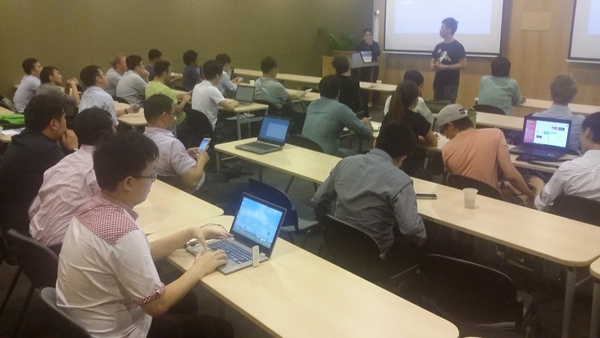
Windows 10 is coming on July 29th and it’s time as a developer to get ready for the next generation of Windows! Look no further, the Microsoft Student Partners from Singapore Polytechnic will be holding a workshop on Developing for Windows 10. Details Date: 20th June 2015 (Sat) Time: 10:00am - 5:30 pm (Lunch Provided) Venue: Microsoft Auditorium, Level 21, One Marina Boulevard, Singapore 018989 (Closest MRT is Raffles Place) Open to Public, Intermediate “Level 200” Audience, Limited Slots Available! ...