We Tech Care 2016

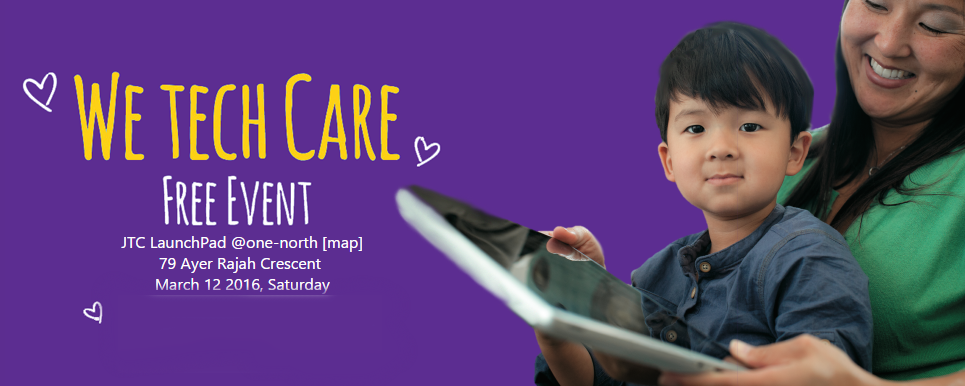
Join us for a fun-filled day, pick up essential digital skills or discover the various starts-ups at JTC LaunchPad at We Tech Care 2016! For the 10th year running, Microsoft is participating in the President’s Challenge. The goal is to bring Microsoft employees, non-profit organisations and business partners together to raise funds to empower people and bridge the opportunity divide through what we know best – technology. For this purpose, We Tech Care is returning this year – bigger and better, on March 12th! This fun-filled and meaningful event will also highlight the work and solutions of incubators and startups at the JTC LaunchPad@one-north. To learn more about the communities and charities this event supports, click here.

The Cloud and .NET Moment (FREE - DevFest.Asia Edition)

This event is part of DevFest.Asia 2015, Southeast Asia’s first community organized web developer festival. FREE FOR ALL developers! The next .NET Developers and Azure community meetup will be on Thursday, November 19th, 2015. This is a special edition of .NET developers and Azure community meetup in conjunction with DevFest.Asia 2015. Let’s have a Cloud and .NET moment! For this event, we will be inviting top-notch speakers from Microsoft. SPEAKER ONE Christian Heilmann: More than 20 years as Web expert, HTML5 and JavaScript expert, spoken at 129 events in 26 countries, a Developer Evangelist - all things for open web, HTML5, writing books, articles, blogs, podcast, Channel 9 (MSDN), YouTube, you name it! Chris is a Senior Program Manager at Microsoft, working on Microsoft Edge. You want to know what is Microsoft Edge all about, first hand from the person, than you need to join this moment! Ask him! SPEAKER TWO Ryan J. Salva: JS Developer, Apache Cordova Advocate, Visual Studio Program Manager, CrossFitter, SciFi Connoisseur and Whiskey Enthusiast. Ryan is a Principal Program Manager at Microsoft, working in the Visual Studio Client Tools team where he looks after HTML, CSS and JavaScript development. He comes from a 15 year career in web standards development & advocacy as an entrepreneur, developer and graphic designer. Today, he focuses primarily on mobile app development using web technologies and Apache Cordova. Seriously, if you want to know what is cross-platform or hybrid app, than he is one of the person you should see. Ask him! So what are you waiting for? Join Us! Click HERE to sign up!

Tokyo Game Show 2015

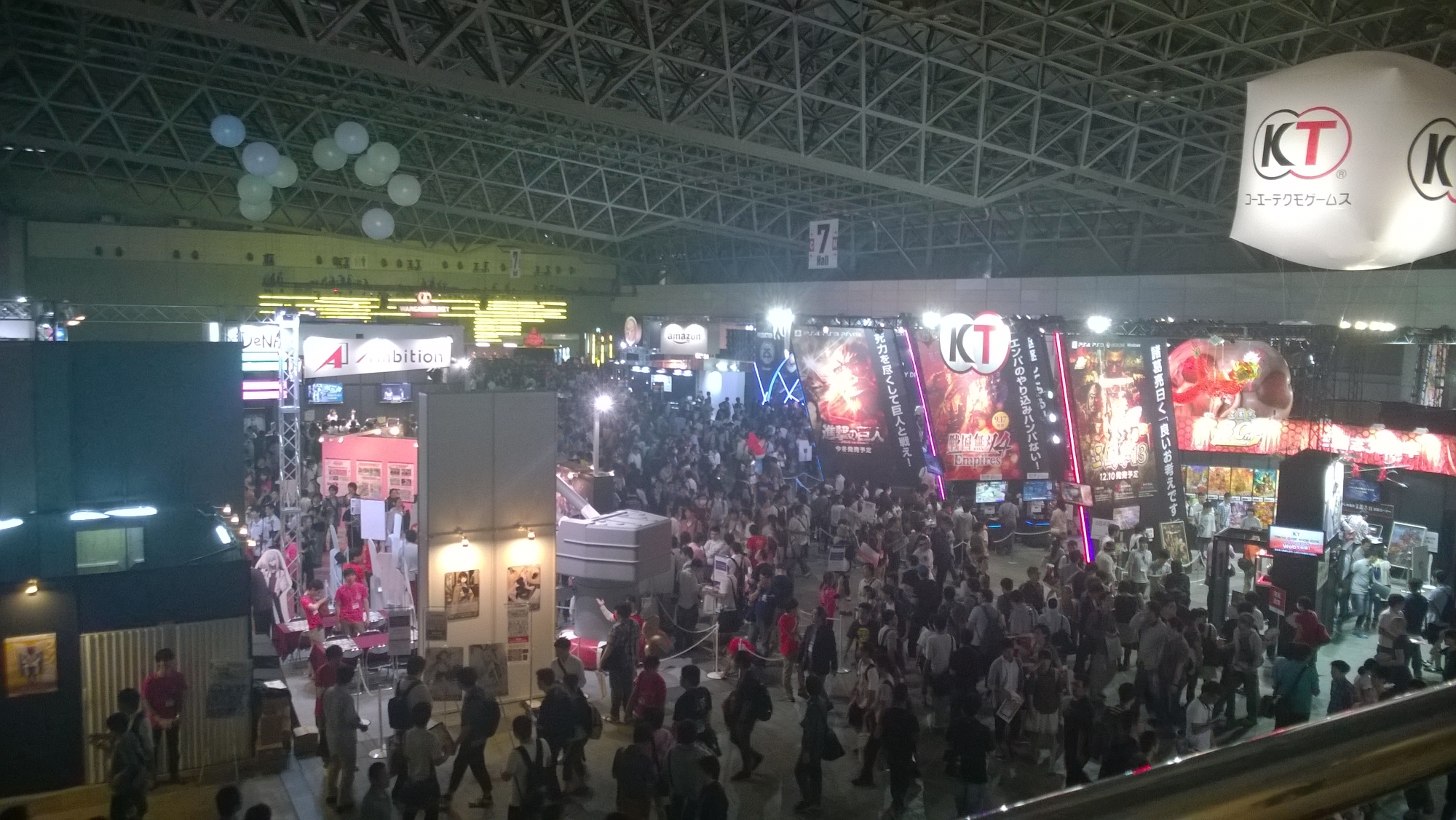
Three weeks ago, I made my way to Japan for the Tokyo Game Show 2015 (TGS'15). For those who are unaware, TGS'15 is an annual games show held in Japan where many different publishers and indie developers alike come to Japan to showcase their games. There’s cosplay, game demos and many other interesting events. The show itself spans a few halls which are spread out across two buildings. The main events and booths take place at halls 1 - 8 which featured all the big name companies like Sony, EA, Konami and so on. While it was a pity that Microsoft did not attend TGS this year, here are the highlights: ...

IDA Young Tech fest with Microsoft and Azure!

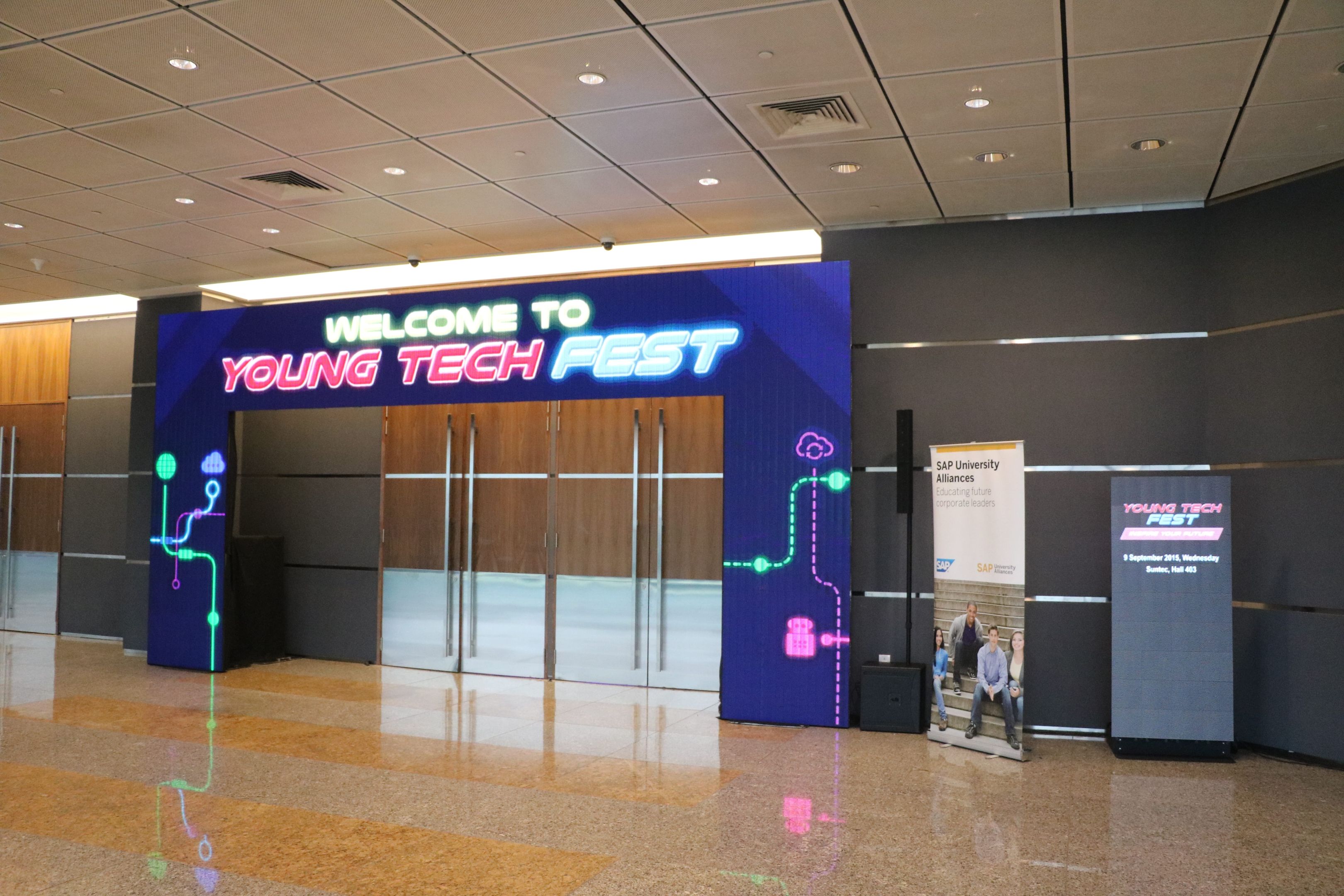
IDA Young Tech Fest is an annual 2-day festival featuring exhibitions and social events in celebration of all technological things. With all things technological there, and roughly 7 educational institutes showcasing their technological innovations, it was a sight to behold! [caption id=“attachment_21138” align=“aligncenter” width=“3240”] What awaits us beyond those doors?[/caption] [caption id=“attachment_21139” align=“aligncenter” width=“3240”] The many chairs awaiting their prospective owners[/caption] Over 2000 attendees participated in the Young Tech Fest to learn more about technology and how to shape the future. From tinkering with wearable tech and robotics, to taking a trip down Singapore’s tech evolution, the participants were engaged in all things technological. Microsoft was there on-site to showcase the technologies available and to encourage students to start their very first web blog using Microsoft Azure. I was also there helping out with curious students. [caption id=“attachment_21140” align=“aligncenter” width=“3240”] Our friendly Student helpers helping out with the booth[/caption] Halley, Shi Qin and Ling Hui were on-site to help out with any queries from the general public as well as activating their student benefits. Students can learn more about how to go about activating their benefits at Funpack if they missed it during the event. Within the funpack that Microsoft is offering, I would like to specially highlight the DreamSpark and Azure offerings in which Microsoft offers free software and the cloud platform to students to help with their learning process. To activate your free offerings, first proceed to Step One and log in using your Microsoft email account. After verifying your student status, proceed to Step Two to verify your phone number via OTP. [caption id=“attachment_21143” align=“alignnone” width=“3240”] Chatting with a student regarding Azure[/caption] I had lots of fun discussing and chatting about Azure with like-minded students who were all passionate about IT just like me! [caption id=“attachment_21141” align=“aligncenter” width=“3240”] Shi Qin helping out with our Kodu Workshop[/caption] Microsoft also held workshops teaching students how to code up a simple game using Kodu. Our friendly helpers were also on-site to help out with those who needed guidance. [caption id=“attachment_21142” align=“aligncenter” width=“3240”] Halley teaching students about Kodu Game Lab[/caption] There were also workshops held to teach participants about how to host a simple resume website using Azure. Here, we have Terence, who is our Technological Evangelist, teaching participants how to set up the resume website. Many people were at Microsoft booth to learn more about Azure or were they? :) [caption id=“attachment_21147” align=“aligncenter” width=“3240”] Crowds at the Microsoft booth[/caption] Younger students who were in for something fun found a Xbox One loaded with Halo waiting for them! [caption id=“attachment_21146” align=“aligncenter” width=“3240”] Halo on Xbox One[/caption] Finally we ended the day with a group picture of our entire team who worked hard for these 2 days! [caption id=“attachment_21149” align=“aligncenter” width=“3240”] Group shot[/caption]

The Microsoft Cloud Roadshow Coming Up!

The Microsoft Cloud Roadshow is a free, two-day technical training event for IT professionals and developers that provides best practices and insights directly from the experts who build and run the cloud services across Office 365, Microsoft Azure, Windows 10 and more! Choose from over 80 technical training sessions covering: Productivity Security Networking Big data Storage Unified communications Identity Web Mobile Collaboration Hybrid Cloud Containers Devops Open source Management ...

SG Walkabout - Twitter

The SG Walkabout is an annual open house for technology companies in Singapore, where one gets the opportunity to get a behind-the-scenes look at the most innovative companies in Singapore. I was fortunate enough to be given the opportunity to check out Twitter’s new Asia Pacific headquarters office here in Singapore. As part of the There were a series of talks, ranging from what they do in Twitter, their culture, interesting facts such as “why only 140 characters?”, as well as their Periscope app. Best of all, we had the rare opportunity to tour the office, and to check out their awesome working space. The office was created with heavy influences of Singaporean culture and design, and definitely not to mention - Birds! Be sure to check out some of the photos below! [caption id=“Welcome” align=“alignnone” width=“3072”]The Twitter Auditorium[/caption] [caption id=“Pantry” align=“alignnone” width=“3072”]The awesome wall design at the pantry[/caption] [caption id=“Bird” align=“alignnone” width=“3072”]The Twitter Bird on the World Map[/caption] [caption id=“Characters” align=“alignnone” width=“3072”]Why 140 characters? Any guesses?[/caption] [caption id=“Ceiling” align=“alignnone” width=“3072”]Check out the ceiling! More birds, more luck![/caption] [caption id=“Room” align=“alignnone” width=“3072”]Even the rooms are named after birds![/caption] [caption id=“Analytics” align=“alignnone” width=“3072”]The real-time data analytics lab[/caption] Speaking of Twitter, did you know that based on this Twitter map, Visual Studio is used worldwide by millions of developers :) Be sure to grab your free copy today!

Channel NewsAsia Perspectives - Schools in the Cloud? Globalizasion, Innovation and the Future of Learning

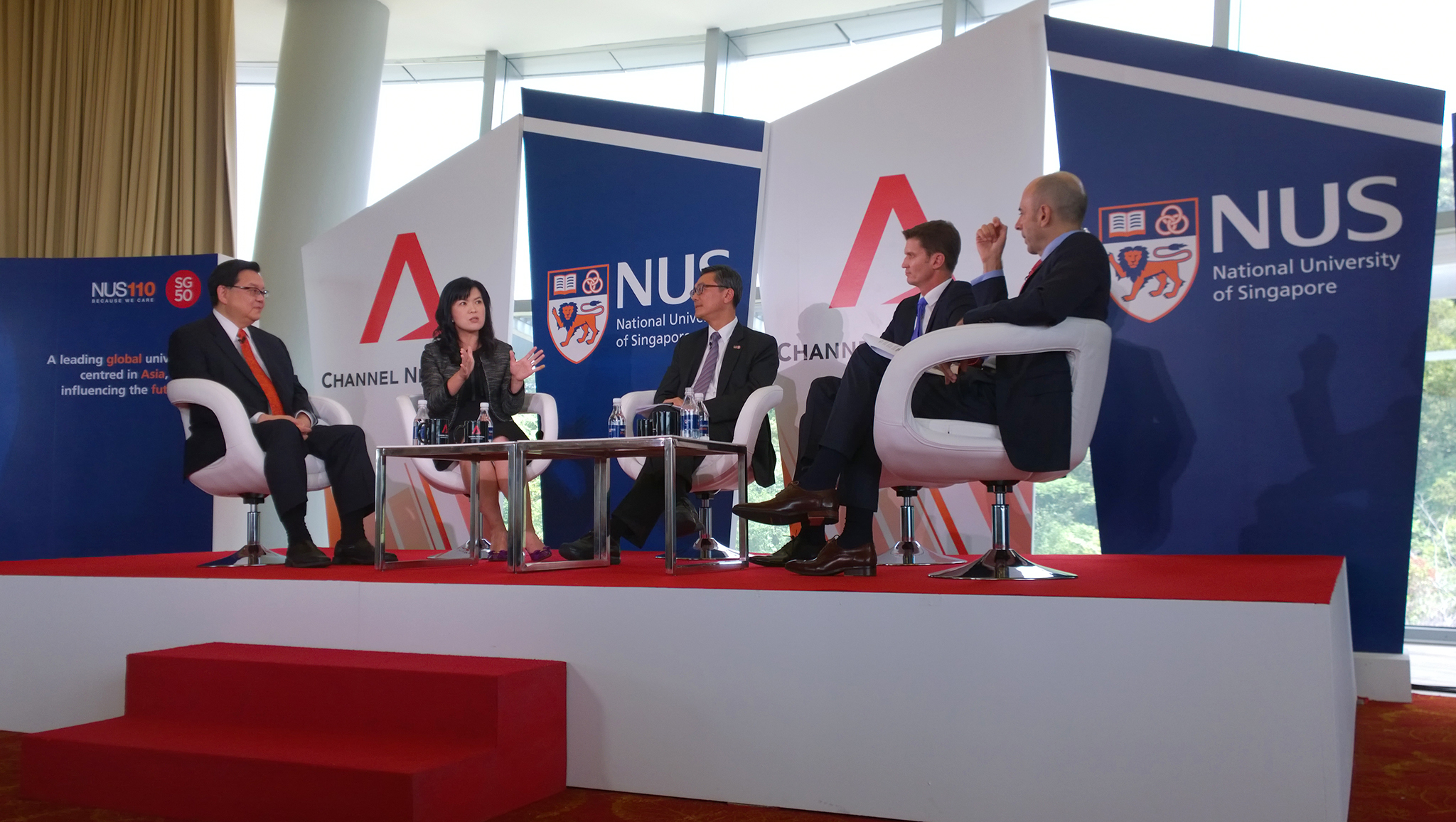
Channel NewsAsia’s Perspectives presents a panel of distinguished experts and leading thinkers from Singapore, Asia and beyond who gather on a weekly basis to dissect current events. This afternoon, I attended the discussion for Episode 8, which is titled “Schools in the Cloud? Globalizasion, Innovation and the Future of Learning”. The panel comprises of Prof Tan Eng Chye, Deputy President of Academic Affairs and Provost of NUS, David Edwards, Head of Education, GEMS World Academy (Singapore), Richard Yen, Founder and Managing Director, Ednovation and Stephanie Hung, Senior Director, Public Sector Group, Microsoft Singapore. The panel discussed the impact of technology on the future of learning and what the future of education will be like. This is given the belief that an increasing focus on technology and online teaching will make it more difficult for students to form meaningful social networks and human interaction will diminish. The panelists shared interesting insights, ranging from the history of how technology has impact learning since the 90s, and also how computers might end up competing against humans. The discussion started off having Prof Tan sharing about how online Content Management Systems (CMS) was first introduced in schools, and also how blended learning, where part of instructors were migrated online and another part face-to-face, became prevalent. Stephanie also shared her views on how Microsoft software has shaped the new-age education. Software such as Skype help bridge gaps in education across borders in classrooms. Indeed, some courses that I have taken in Carnegie Mellon University (CMU) allow me to collaborate with partner universities and students from other countries from around the world. Office 365 for Education and OneNote helps facilitate content creation and collaboration between teachers and students, and establish an immediate feedback loop to harness the collective wisdom of the class. Stephanie also talked about the importance of building a capability on computational thinking, which is a thought process that allows one to break down problems and formulate solutions in a systematic approach, pretty much like how computers “think”. She mentioned that while computers can solve many problems, it is important to understand the limitations of computers, so that we humans can value add. This point reminded me of a vision shared by one of my CMU professors, Luis von Ahn, who aims to combine humans and computers to solve large-scale problems that neither can solve alone. According to an interview on Bigthink.com, Luis shared that “There are problems that computers cannot yet solve. It’s funny because some of these problems are very simple problems seemingly. For example, a computer cannot tell you what’s inside an image. They can tell you somethings but it can’t really quite tell you there’s a cat next to a dog and they’re both running. A computer can’t do that. Well humans, we can do it super easily.” Ultimately, he invented reCAPTCHA, which is a tool that determines if someone trying to obtain access is actually human and not a computer, and at the same time, helps digitise books! Richard connected with the audience as he shared his personal anecdote about his 4-year-old son, who actually learns about dinosaurs on his own using online resources. He brought up an important point to share that it is important for our educators to use creative methods to ignite the passion of students so that they would be inspired to learn. After all, the traditional method of learning from textbooks in the past is obsolete; with the Internet, resources are easily available online. Prof Tan also shared that automation is replacing people, thus it is important for students and educators to keep up with the times as we move up the value chain. David brought up an engaging discussion about how teachers and environment can affect and facilitate different types of learning. For instance, a good teacher knows how to make use of technology generate interest and gather feedback to facilitate learning. On the contrary, it may not be productive should an educator simply throws a student an iPad and expects the student to learn from course wares. Personally, I feel that a good educator should be able to use data analytics technology to easily identify their students’ strengths and weaknesses, and assign assignments based on areas they need more practice in. The audience also had the opportunity to ask questions and challenge the panelists with difficult questions. Some questions brought up revolved around character development, the number of women pursuing STEM in education, how to find the right balance between the use of technology. On top of these really great questions, there was a heated debate about the reasons of the rising cost of education. The panelists answered the questions really well, and provided many insights from different perspectives. Be sure to tune in to the episode on Channel NewsAsia on the 2 Sept 2015 (Tues) at 8pm. Fun Challenge: Try spotting me in the audience and identify the colour of my shirt! The first reader that drops me an email with the correct answer wins a prize :)

Intel Presents Invent50: An Engineering Competition for Students

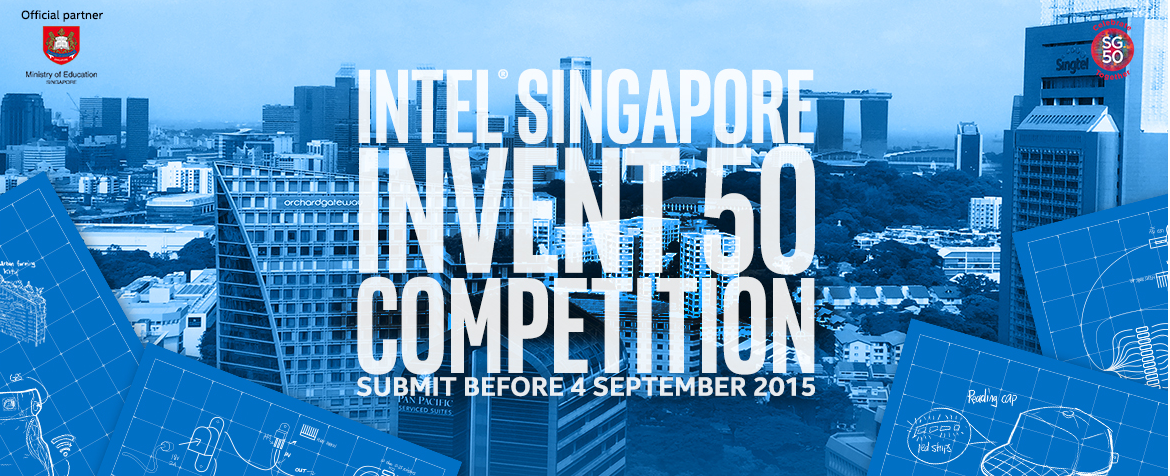
It definitely wouldn’t be news to hear that Singapore is celebrating its Golden Jubilee this weekend. But hey, we’re not the only ones turning 50 this eventful twenty-fifteen. Intel’s co-founder Gordon Moore’s observation in 1965, popularly referred to as Moore’s Law, reinvented the playing field and became a springboard for innovation for the electronics industry. In conjunction with the celebration of this insight, Intel Singapore has launched an empowering competition designed to bring out the best in our Little Red Dot’s youth. Calling out to innovators aged 18-34 pursuing their Diploma, Bachelor, Master, or Ph.D. degrees full time in an MOE-recognised institution, Intel wants your ideas for a smarter Singapore to be heard. If that doesn’t rev up your thinking caps, they’ve thrown in a grand prize of S$10,000 for the team, a laptop featuring Intel® RealSenseTM 3D Camera plus an Intel® internship opportunity for each member. Invent50 tests the youngest and brightest to dig deep into who Singapore is, as a community, and use their innovative minds to practically solve today’s challenges. Focus areas may include but are not bounded to: Smart Nation, Home, Mobility and/or Health. The registration phase of Invent50 is already ongoing, giving students till the 4th of September to submit their new or value-added solutions in teams of three to four. After which, teams of here about a total of 50 students will be mentored by Intel engineers to transform their ideas into practical prototypes in a 2-day bootcamp followed by a 10-week mentorship programme. From a panel of judges comprising of industry experts and partners, three winners will be selected on the feasibilty and innovativeness of their prototype designs. Teams interested in signing up or just to find out more about this exciting opportunity can log on to the Intel Invent50 website. If you need ideas or some inspiration to get your gears going, check out this inspiring example of Project Daniel - an amazing story of how using the technology already present can improve someone’s life or improve a community’s wellbeing. “Through this competition, we want to showcase how world-changing innovation doesn’t need to come from large corporations,” said Mr. Sumner Lemon, Country Manager, Intel Malaysia and Singapore. “We have a long history of helping develop the next generation of innovators and we are extremely excited to launch this competition at a time when local students are becoming more aware of how technology is lowering the barriers to innovation.” The ball is now on our courts. Shine bright, guys!

The Hackathon @ SG 2015 – My Experience

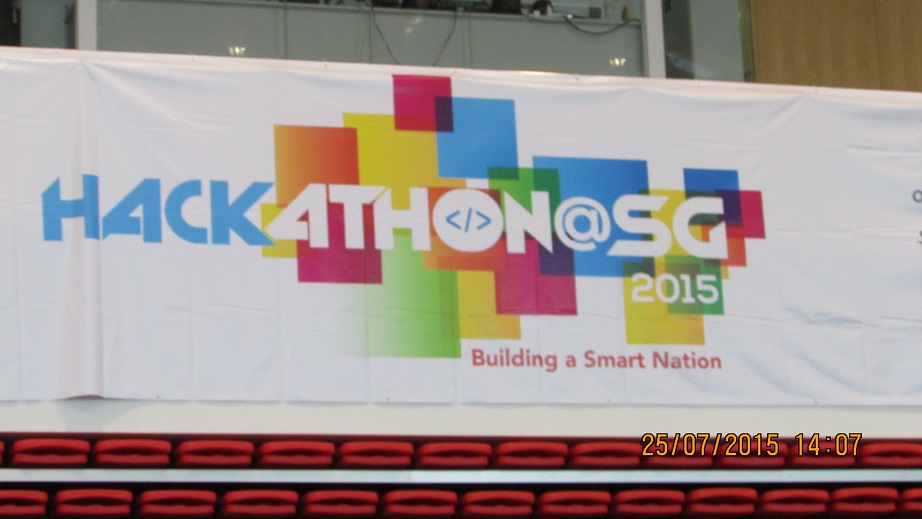
Introduction. Touted as “Singapore’s biggest hackathon ever”, the Hackathon @ SG 2015 was an intense 24-hour coding competition held at ITE College Central between 25 and 26 July. Luckily enough for me, I was able to live through it and tell the tale of what an amazing time I had! The theme for the competition was “Towards a smart nation” (i.e. to contribute towards the SG50 Smart Nation initiative) and we were given 6 challenges to be addressed on the day itself. These were: ...

The successful launch of Windows 10

To the 1.5 billion users of Windows out there, the day you have been eagerly and impatiently waiting for has finally arrived. After more than 2 years 8 months release on Windows 8 operating system, Microsoft was proud to have the official launch of Windows 10 on 29th July 2015. As a MSP, I was fortunate enough to be a part of this celebration event where enthusiasts such as Microsoft employees, MSP and Windows insiders were all present. Words can’t describe how amazing this launch was so I will use pictures instead as ‘a picture is worth a thousand words’. In short, it was a wonderful evening led by enthusiasts showcasing how Windows 10 can be used at home, work and school. Famous celebrities had come to express their excitement on Windows 10 including Singaporean hip hop artist Shigga Shay and football brothers Irfan Fandi and Ikhsan Fandi. It was an evening filled with fun, excitement, tech enthusiasts, food, drinks, and in one word: Windows10 [caption id=“Cortana” align=“alignnone” width=“3072”] Microsoft employee explaining the use of Windows 10 for work purposes including the use of Cortana for daily reminders [/caption] [caption id=“Windows10” align=“alignnone” width=“3072”] We are super excited with the launch of Windows 10. [/caption] [caption id=“Hello” align=“alignnone” width=“3072”] Introducing Windows Hello, a more personal and secure way to log in [/caption] [caption id=“Edge” align=“alignnone” width=“3072”] Introducing Microsoft Edge, the new windows 10 browser [/caption] [caption id=“MSP” align=“alignnone” width=“3072”] All MSP’s taking a picture with the slogan ‘I love Windows’. [/caption] Did you already upgrade your devices to Windows 10? Here are my personal top 4 reasons why Windows just got cooler and you shouldn’t miss out of the opportunity of upgrading your devices. 1) Microsoft Cortana: Cortana was already introduced in phones but now it is coming on PC. Cortana is a personalized virtual assistant, which has been named for Master Chief’s Al companion in the Halo video game. As soon as the user comes to the start screen, the female assistant will then offer suggestions based on the location of the user. For example, if you want to find the nearest restaurant from your current location, set reminders or even schedule appointments you can do so just with a simple click. Cortana gets most of the information from the database of users so if more people use it, the more accurate the answer will be. One extremely cool feature of Cortana is the Cortana Notebook, which is located in the voice app setting menu and acts like a personal diary. Through this, the users can set interests, see the places visited the most and also set quiet hours when you are having a meeting and don’t want to be disturbed. Also, based on your interest and previous searches, Cortana will give suggestions for locations, weather and other useful information that Cortana thinks you might like. 2) Xbox app and gaming features: Windows 10 introduces an Xbox app where users can find out more about their gaming statistics, message their friends and also play the Xbox games without using their TV! Did you also know that there will be a cross platform gaming which will enable PC and Xbox players to play together. 3) Windows Hello: Windows Hello is a bio metric authentication, which enables you access your device using your fingerprint, face scan or iris without using a password so that you can feel more secure. After you log in, you can see your applications and online content without requiring your password through Microsoft passport. Microsoft passport helps to protect user credentials as well as provide user convenience so that you can access resources anytime and anywhere. The video below gives more details. https://youtu.be/1AsoSnOmhvU 4) Microsoft Edge: previously known as Project Spartan, Microsoft Edge is the new search engine with many exciting features. While you are browsing the web, Cortana pops up with additional information, which will help you in your search results. For example, if you are looking at a university’s website, it will show directions to get there. Moreover, there is a reading view feature, which allows you to put up articles in the reading list app for you to review it again later. Did I mention that you could upgrade your devices to Windows 10 for FREE? Upgrade your devices now and recommend your friends to do so too so the world could become more windows 10 tech driven References: 1) http://www.trustedreviews.com/opinions/windows-10-vs-windows-8-1 2) Video link: https://youtu.be/1AsoSnOmhvU