Windows 10: A New Generation of Windows

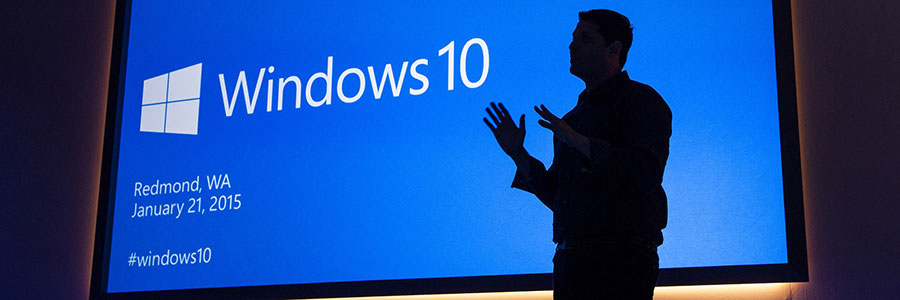
Windows 10: A New Generation of Windows Windows 10 to be offered as free upgrade; group computing and holographic Windows 10 devices unveiled. REDMOND, Wash. — Jan. 21, 2015 — Microsoft Corp. on Wednesday unveiled a new generation of Windows, with a wide range of experiences designed to usher in a new era of more personal computing, as well as two new devices designed to extend the Windows experience from large screens to no screens. Windows 10 will be delivered as a service to offer a safer, innovative and updated experience for the supported lifetime of the device. A free upgrade¹ for Windows 10 will be made available to customers running Windows 7, Windows 8.1 and Windows Phone 8.1, who upgrade in the first year. “Windows 10 marks the beginning of the more personal computing era in the mobile-first, cloud-first world,” said Satya Nadella, CEO of Microsoft. “Our ambition is for the 1.5 billion people who are using Windows today to fall in love with Window 10 and for billions more to decide to make Windows home.” ...

Hide Private Apps when you give your phone to someone

Windows Phone 8.1 comes with one of the nice feature which is called App Corner. App Corner allows to select only the app which a person allowed to see in the Phone. This feature is very useful when you give a phone to someone to just see or give them to just make a call. It allows to hide all the private apps and pictures from viewing to the person you giving the phone to. Example: Sometime some of my friend might ask me to give the phone to just make a call to someone if their phone is not working. So at that time if we unlock the phone and give them they might sneak into whatsapp message, pictures and other private apps. To avoid that i set up the App corner and allow only Phone feature to be visible and give it to them. ...

.NET Developers Community 2nd Meetup Will Share On Developing Web

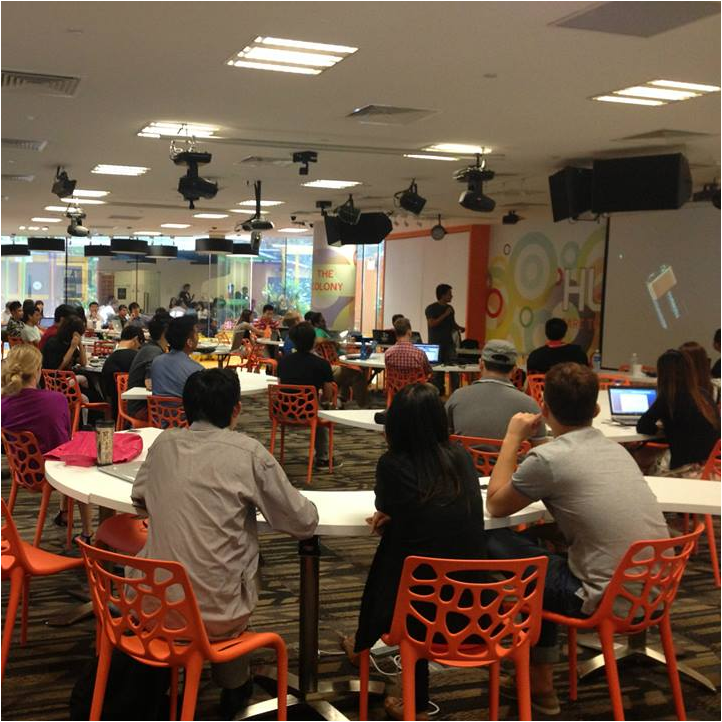
The .NET Developers Community Singapore will have the second meetup. Join the community and meetup. This month the community will share on developing web using .NET. The event will be at *SCAPE The Colony on January 28, 2015, 7.00 PM - 9.00 PM. If you want to know or learn .NET, this community is the best place for you. [caption id=“attachment_19000” align=“aligncenter” width=“722”] *SCAPE The Colony[/caption] Here is the details; http://www.meetup.com/NET-Developers-SG/events/219106052/ Lucky member can win one Western Digital Passport Ultra 1TB (White) door prize for free. ...

Join Azure Community Singapore (ACS)

Hi All, I would like to invite you to join this Azure Community in Singapore. We will be having the first meetup on February 10. If you want to meet the Microsoft Azure experts, masters, developers, Microsoft MVPs and wants to be friends with them and can learn/share knowledge, than this is the place to be. Come and join this first meetup and bring your friends as well so you be able to know the Azure community member in Singapore. Here is the Agenda for the meetup: ...

.NET Developers Community Singapore

Hi there, We would like to invite you all to join the .NET Developers Community Singapore.The community is for anyone who are passionate/interested in developing software application in .NET ecosystem and its related technologies. If you happen to be a C#, WPF, ASP.NET, WebAPI 2.1, SignalR, Roslyn, Microsoft Azure, server-side, .NET enthusiast, etc. the community is certainly for you and you should join in. Development using .NET is very exciting, easy and it’s open-source now. We welcome to all developers for the new era of .NET related development and for non .NET developers as well. Try .NET. .NET Core in Linux and Mac The .NET Core project is under the stewardship of the .NET Foundation. We believe that to be a critical part in promoting and advancing the .NET Core stack. You can create all of back-end codes and client side using C# and .NET for cross-platform and multi-platform (Xamarin, Unity 3D, Mono, etc.). One framework, one language that works for all platform and devices. ...

Unlimited Storage with Office 365 on OneDrive

Microsoft has announced that all Office 365 subscribers will start receiving unlimited OneDrive storage space. This feature will be rolling out to subscribers over the next few months and will first come to Office 365 Home, Personal and University subscribers. OneDrive is available on most platforms with the Windows Phone and Android versions of the app getting major updates recently. Mobile users can use OneDrive to automatically upload photos they have taken to the cloud, great for backing up files or having them synced across devices. If you have not received this feature and would like to get it faster, you’ll want to visit this page. For more information, check out the OneDrive Blog and Office Blog.

Skype Launches New App - Skype Qik

Microsoft has announced a brand new standalone app from Skype - Skype Qik. Skype Qik is a video messaging app that was created specifically for spontaneous video messaging for group or 1:1 chats. The app runs alongside Skype, and allows users to share videos which are only stored for two weeks. Skype Qik is now available on Windows Phone, Android and iPhone. For more information about Skype Qik, please check out the Skype Big Blog here.

Flipboard arrives on Windows Phone

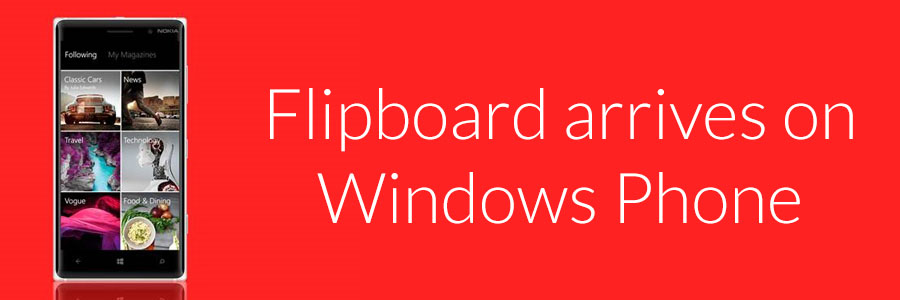
With Flipboard on Windows Phone, you can now create personalized magazines with stories that interest you most. Just start by picking a few of your favorite topics, like tech, EPL and yoga, and Flipboard will start building your custom magazine from a variety of sources including The New York Times, People magazine and more. Read something interesting? You can also add it to your collection or share it on Facebook, Instagram and Twitter. Flipboard can be loaded on devices with at least 1GB of RAM such as the Lumia 830, Lumia 920, Lumia 1020 and Lumia 1520. You can download Flipboard for Windows Phone via this link.

Level up your Microsoft Account with Microsoft Account Android App

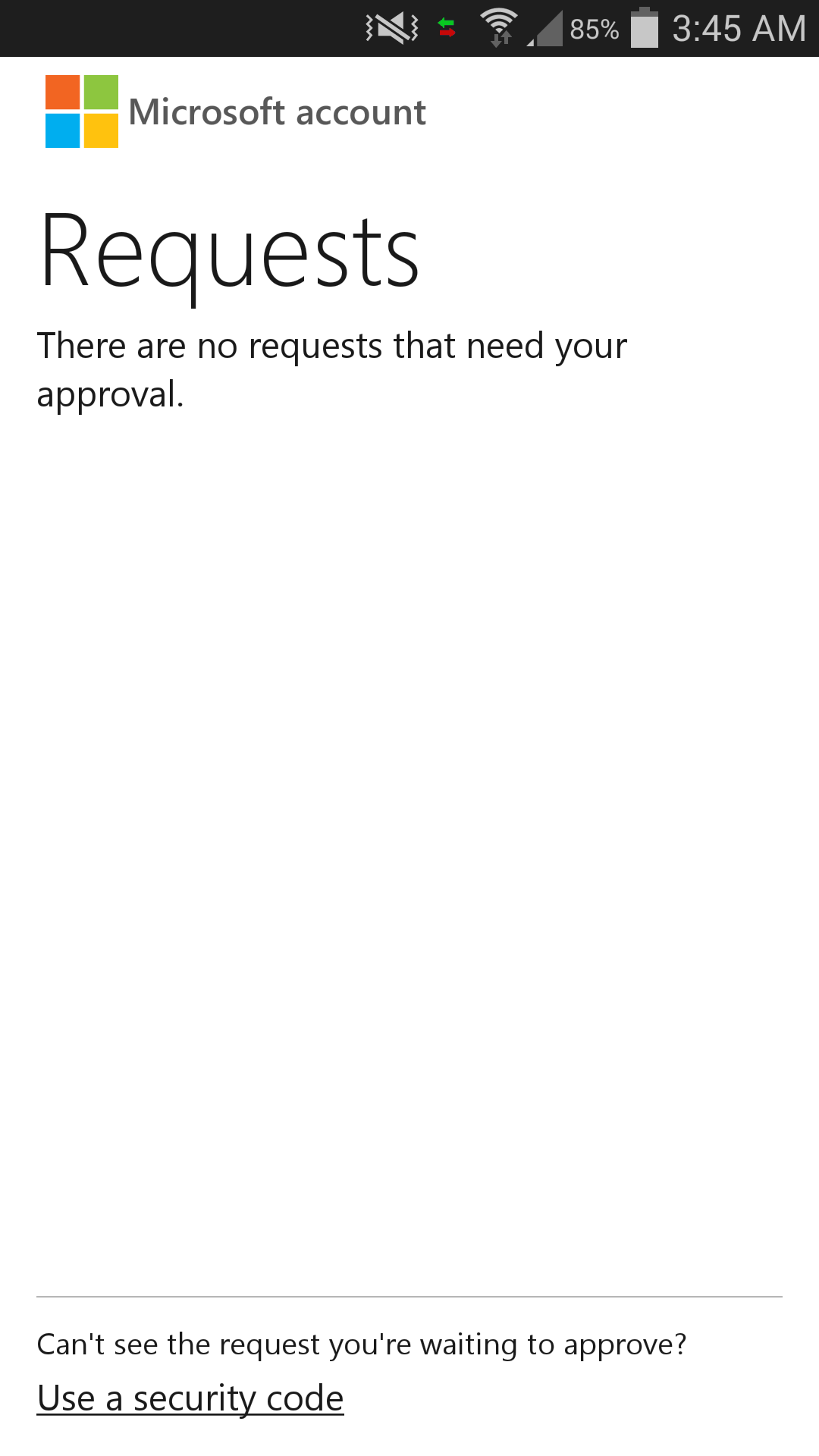
Some of you might have heard of 2-Step Verification. Google has their Google Authenticator. Well….. Microsoft now has our own authenticator app for the Android users. It’s called Microsoft account!!! One sentence to sum it up: It is awesome! For Google Authenticator, we have to remember the dynamic 6 digit code which changes every 30s. If you are using Microsoft account app, all you need to remember is where you put your phone! (LOL) When you open the Microsoft account app, you will only see requests. If previously you had logged in but didn’t complete the 2-Step Verification. You can see that there will be a login request with the approve request. With this, you are able to track if there is a suspicious activity going on in your Microsoft account. Big plus for this feature. To log in using Microsoft account app is even easier. Once you sign in to the Microsoft account, it will display an approve request code which you can check with your phone. If the approve request code on your phone is the same as the one shown in the browser, go ahead and approve it! Wait! There is one special thing. If you are using your phone at the same time (Facebook-ing/Twitter-ing), you don’t even have to enter the Microsoft account app! Just go to the notification and there is the “approve” or “deny” option for you to reply the request. THIS IS SO BRILLIANT. What if your phone doesn’t have an internet connection? It is alright. At the bottom, there is an option for you to use the traditional dynamic number code to login. Both Google Authenticator and Microsoft account app have multiple account support. Since Microsoft account app is so much better than Google Authenticator, does it mean that I can delete Google Authenticator app? Well……. The answer is NO! There is one thing that Google Authenticator does better than Microsoft account app. That’s third party app support. Web service such as Dropbox uses Google Authenticator to generate the dynamic login code. Without Google Authenticator, you will not be able to use the 2-Step Verification unless you opt for SMS / Email one time password. So Microsoft listen up!!! Please start developing for third party support! Personally, I hate to have 2 application that does the similar job. It just pisses me off when that happens (thanks to the awesome Lungic XD). ...

Windows 10 Unveiled

Microsoft Unveils the Future of Windows Company gives first look at Windows 10, highlighting enterprise advancements and open collaboration SAN FRANCISCO — Sept. 30, 2014 — Microsoft Corp. on Tuesday unveiled its next Windows operating system, Windows 10, and gave a first look at an early technical preview for the PC available Oct. 1. The announcement highlighted advancements designed for business, including an updated user experience and enhanced security and management capabilities. The company also introduced the Windows Insider Program, kicking off its largest-ever open collaborative development effort to change the way Windows is built and delivered to best meet the needs of customers. Program participants will receive the technical preview of Windows 10 and a steady stream of builds through the development cycle to use and give feedback on. “Windows 10 represents the first step of a whole new generation of Windows, unlocking new experiences to give customers new ways to work, play and connect,” said Terry Myerson, executive vice president of the Operating Systems group at Microsoft. “This will be our most comprehensive operating system and the best release Microsoft has ever done for our business customers, and we look forward to working together with our broader Windows community to bring Windows 10 to life in the months ahead.” Windows 10: familiarity and consistency across devices Windows 10 adapts to the devices customers are using — from Xbox to PCs and phones to tablets and tiny gadgets — and what they’re doing with a consistent, familiar and compatible experience, enabling even greater productivity. Windows 10 will run across the broadest range of devices ever from the Internet of Things to enterprise datacenters worldwide. Microsoft is also delivering a converged application platform for developers on all devices with a unified app store. Developers will be able to write an application once and deploy it easily across multiple device types, making discovery, purchase and updating easier than ever for customers. Windows 10: designed for the challenges of modern business Windows 10 builds nearly everything that businesses need right into the core of the product — including enterprise-grade security, identity and information protection features — in ways that can reduce complexities and provide better experiences than other solutions. One area of advancement is in the work Microsoft has done with user identities to improve resistance to breach, theft or phishing. Windows 10 will also help advance data loss prevention by using containers and data separation at the application and file level, enabling protection that follows the data as it goes from a tablet or PC to a USB drive, email or the cloud. Management and deployment have been simplified to help lower costs, including in-place upgrades from Windows 7 or Windows 8 that are focused on making device wipe-and-reload scenarios obsolete. Businesses will also have the flexibility to choose how quickly they adopt the latest innovations and influence continued improvements. In addition, organizations will be able to customize an app store specific to their needs and environment. The intent is an app store that will allow for volume app licensing, flexible distribution, and the ability for organizations to reclaim or reuse licenses when necessary. Technical preview PC productivity The early technical preview of Windows 10 demonstrates new levels of flexibility, navigation and familiarity through the Windows experience. Features include these: ...