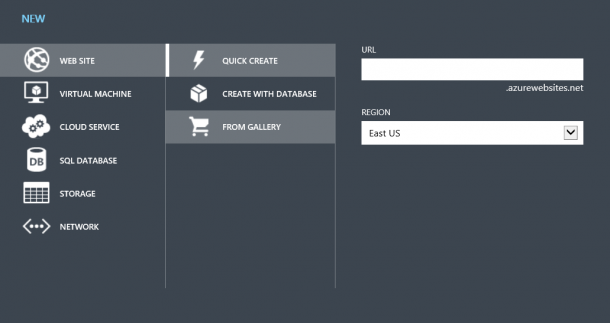
Microsoft just announced Windows Azure preview capabilities in a blog post from Bill Laing and a feature article on the Microsoft News Center. I am all excited about this preview capabilities especially capabilities to create Linux VM and Website. I just login my Azure account and created a WordPress Blog within 2 minutes. Here is how. I login to the Azure manage portal, activate the preview feature under Account. There I get to see the new Azure management portal. 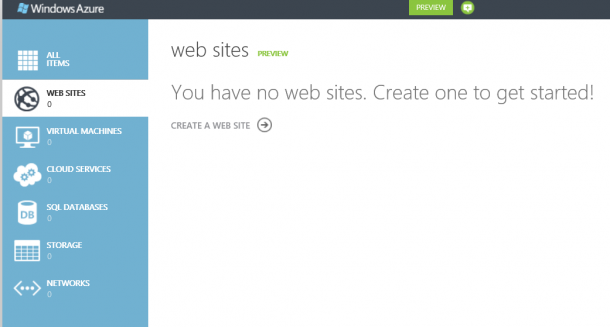 Go to website services and select create a website. There are options of creating website, VM, and storage etc. I select Web site -> From Gallery.
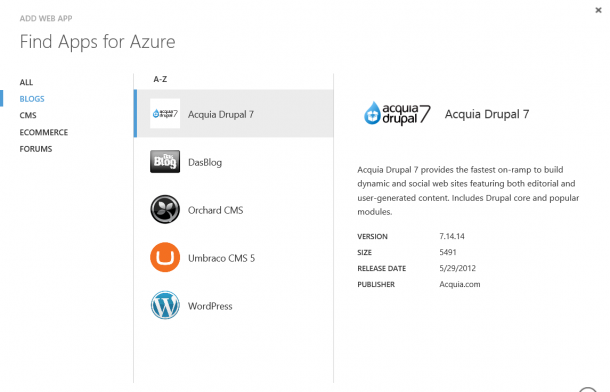
  I just choose BLOGS and select WordPress. Of course there are other options like ECOMMERCE, FORUMS, and CMS as shown in below.
  It will go ahead and install WordPress, then prompt me for some basic information like site title. Admin name and password.
 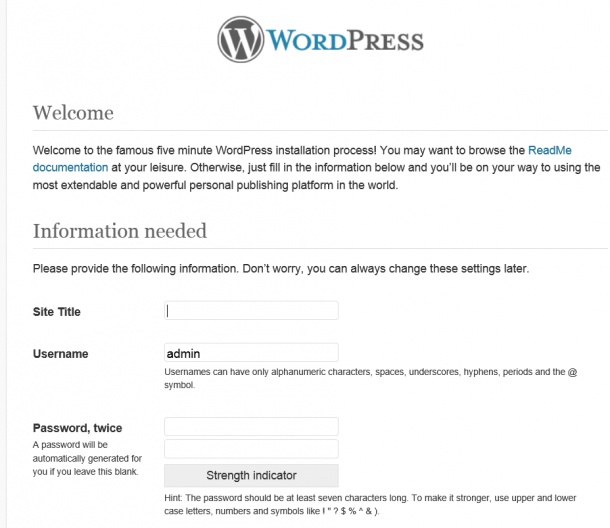 Once it is done, and I have my WordPress ready.
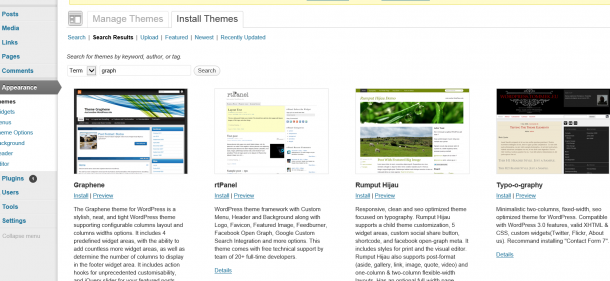
 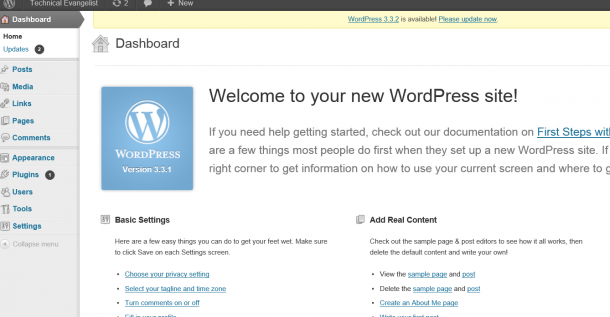 I can then go in and install themes and plugin just like any other WordPress site.