
How to add Favorite Location for use in Location based reminders by Cortana
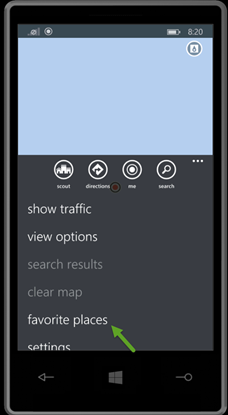
Launch the Maps app. Tap on the … menu on the bottom of the Maps app. You would see Favorite places option. Tap that to add your favorite places.
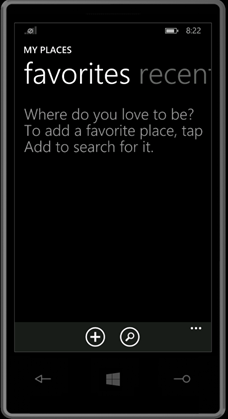
The favorites will have + icon at the bottom of the page. Use the + to add your favorite place.
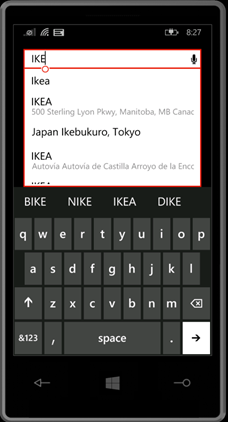
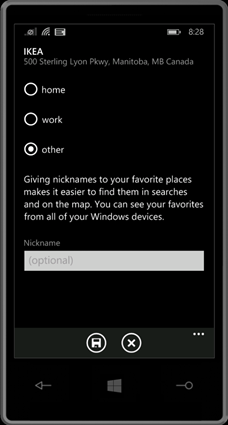
Once you tap + icon the below screen will appear. Type the place you want it to search. Once you find the place select it from the drop down. This will pop up the next screen for Nick Name.
You can choose whether the place is Home or work or other. If you choose Home it will tag it to home and Cortana can use Home for reminder and other info. Same as Work. Other option is to have custom Nick Name for the place. Example in my case I usually tag the NTUC to be Super Market and Mustafa to be Grocery. The Nick name used here can be used by Cortana to assign reminder.
Once added as location good to use it with Cortana.
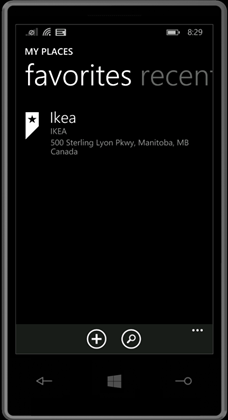
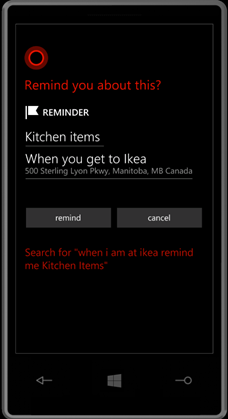
Now you can say to Cortana “When I am at Ikea remind me Kitchen Items”