Here Comes the Win2D: Image Effects

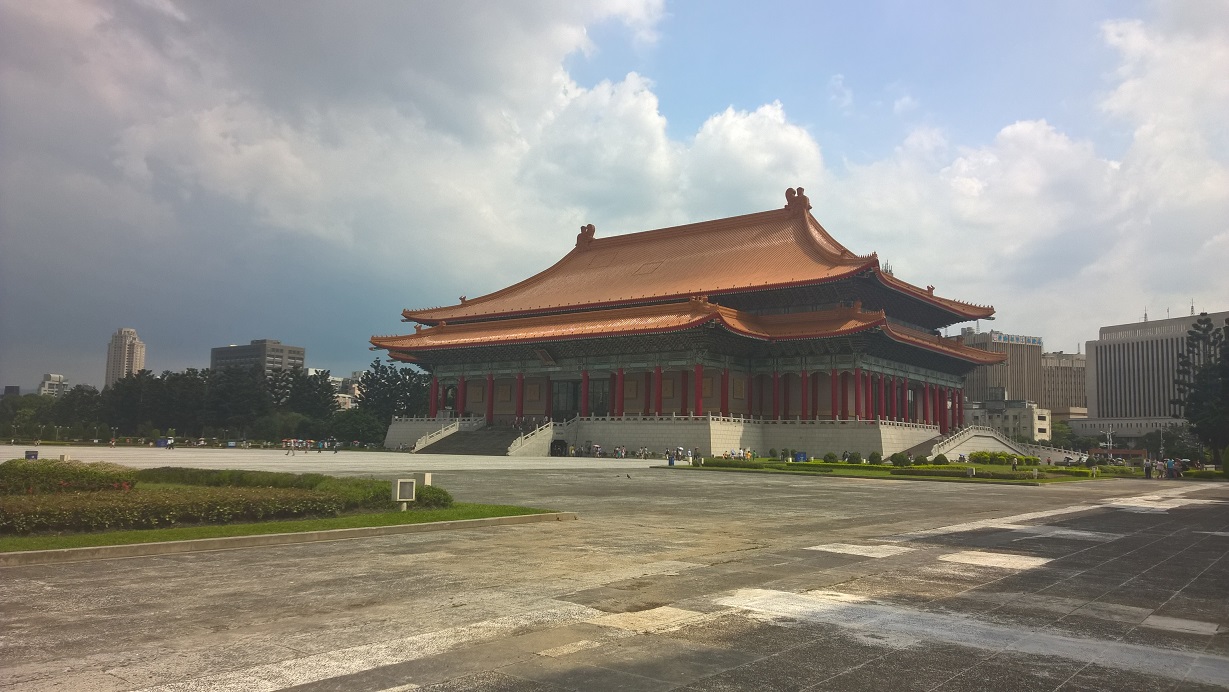
Last month, during our monthly .NET Developer Singapore Community meetup, our friend Riza from Microsoft shared with us a very cool API, Win2D. Win2D is an open-source API announced by Microsoft last year which helps developers bring hardware accelerated Direct2D graphics to Windows 8.1 (and 10) Universal Apps. This API certainly excites developers, especially game developers who are not very familiar with Direct2D but would like to do 2D immediate mode rendering in C#. After the meetup, I have tried playing with some of the basic features in Win2D. I did a simple app which will keep adding colourful circles moving around on the Surface screen. After a few weeks, I read an article online about image effects on Win2D. Hence, I decided to try it as well. My Taiwan Trip and Image Processing I just came back from my first trip to Taipei. So I would like to use some of my photos taken in the journey to show how Win2D can be used to do interesting image effects. Now, let’s start with a photo that I took outside the National Chiang Kai-shek Memorial Hall. [caption id=“attachment_20740” align=“aligncenter” width=“640”] Taiwan National Concert Hall[/caption] There are plenty of effects available in the Microsoft.Graphics.Canvas.Effects namespace. I will just do a few of them as a demonstration of image effects in Win2D. Gaussian Blur Effect I will start with one of the simplest effect, the Gaussian Blur. For those who are new to Gaussian Blur, it is a result of blurring an image using the Gaussian function. The new value of each pixel in the image is a weighted average of neighbour pixels of the pixel. Hence, Gaussian Blur is able to produce a blur that preserve edges and uniform blurring filters. In Win2D, Gaussian Blur effect has a property called BlurAmount. It is actually the Standard Deviation of the Gaussian function, as shown in the Settings.xml. ...

The successful launch of Windows 10

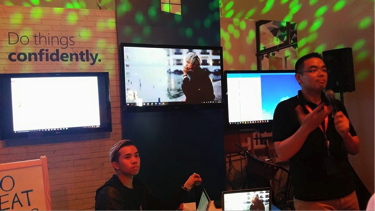
To the 1.5 billion users of Windows out there, the day you have been eagerly and impatiently waiting for has finally arrived. After more than 2 years 8 months release on Windows 8 operating system, Microsoft was proud to have the official launch of Windows 10 on 29th July 2015. As a MSP, I was fortunate enough to be a part of this celebration event where enthusiasts such as Microsoft employees, MSP and Windows insiders were all present. Words can’t describe how amazing this launch was so I will use pictures instead as ‘a picture is worth a thousand words’. In short, it was a wonderful evening led by enthusiasts showcasing how Windows 10 can be used at home, work and school. Famous celebrities had come to express their excitement on Windows 10 including Singaporean hip hop artist Shigga Shay and football brothers Irfan Fandi and Ikhsan Fandi. It was an evening filled with fun, excitement, tech enthusiasts, food, drinks, and in one word: Windows10 [caption id=“Cortana” align=“alignnone” width=“3072”] Microsoft employee explaining the use of Windows 10 for work purposes including the use of Cortana for daily reminders [/caption] [caption id=“Windows10” align=“alignnone” width=“3072”] We are super excited with the launch of Windows 10. [/caption] [caption id=“Hello” align=“alignnone” width=“3072”] Introducing Windows Hello, a more personal and secure way to log in [/caption] [caption id=“Edge” align=“alignnone” width=“3072”] Introducing Microsoft Edge, the new windows 10 browser [/caption] [caption id=“MSP” align=“alignnone” width=“3072”] All MSP’s taking a picture with the slogan ‘I love Windows’. [/caption] Did you already upgrade your devices to Windows 10? Here are my personal top 4 reasons why Windows just got cooler and you shouldn’t miss out of the opportunity of upgrading your devices. 1) Microsoft Cortana: Cortana was already introduced in phones but now it is coming on PC. Cortana is a personalized virtual assistant, which has been named for Master Chief’s Al companion in the Halo video game. As soon as the user comes to the start screen, the female assistant will then offer suggestions based on the location of the user. For example, if you want to find the nearest restaurant from your current location, set reminders or even schedule appointments you can do so just with a simple click. Cortana gets most of the information from the database of users so if more people use it, the more accurate the answer will be. One extremely cool feature of Cortana is the Cortana Notebook, which is located in the voice app setting menu and acts like a personal diary. Through this, the users can set interests, see the places visited the most and also set quiet hours when you are having a meeting and don’t want to be disturbed. Also, based on your interest and previous searches, Cortana will give suggestions for locations, weather and other useful information that Cortana thinks you might like. 2) Xbox app and gaming features: Windows 10 introduces an Xbox app where users can find out more about their gaming statistics, message their friends and also play the Xbox games without using their TV! Did you also know that there will be a cross platform gaming which will enable PC and Xbox players to play together. 3) Windows Hello: Windows Hello is a bio metric authentication, which enables you access your device using your fingerprint, face scan or iris without using a password so that you can feel more secure. After you log in, you can see your applications and online content without requiring your password through Microsoft passport. Microsoft passport helps to protect user credentials as well as provide user convenience so that you can access resources anytime and anywhere. The video below gives more details. https://youtu.be/1AsoSnOmhvU 4) Microsoft Edge: previously known as Project Spartan, Microsoft Edge is the new search engine with many exciting features. While you are browsing the web, Cortana pops up with additional information, which will help you in your search results. For example, if you are looking at a university’s website, it will show directions to get there. Moreover, there is a reading view feature, which allows you to put up articles in the reading list app for you to review it again later. Did I mention that you could upgrade your devices to Windows 10 for FREE? Upgrade your devices now and recommend your friends to do so too so the world could become more windows 10 tech driven References: 1) http://www.trustedreviews.com/opinions/windows-10-vs-windows-8-1 2) Video link: https://youtu.be/1AsoSnOmhvU

Windows 10 Singapore Launch Party

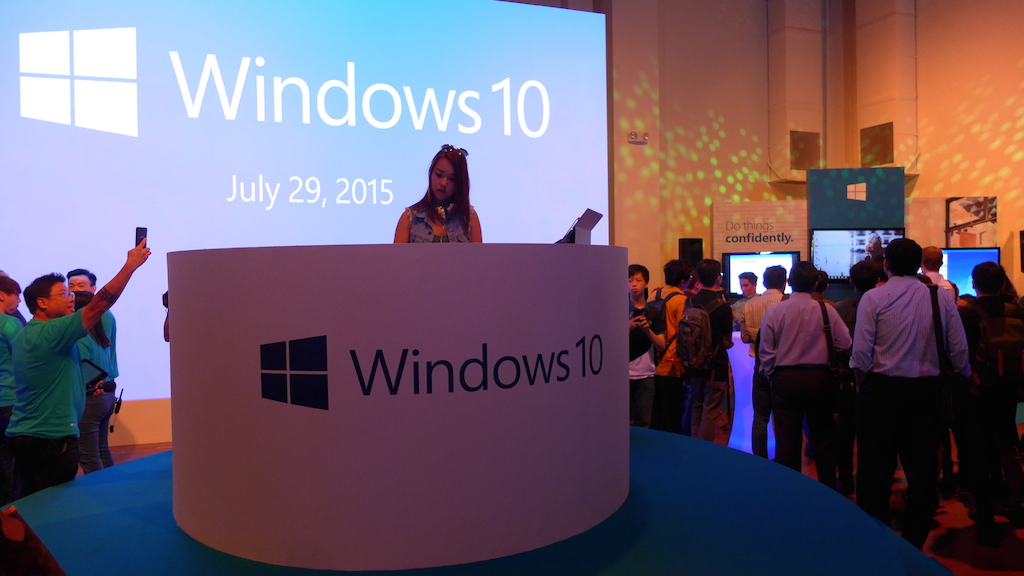
29th July 2015 marks the official launch of Windows 10, the much-anticipated new release of Windows with features such as the long-awaited return of the Start menu, Cortana (intelligent personal assistant), Edge browser, Virtual Desktops, and Action Center. To celebrate the world-wide product launch, Singapore held a glitzy party at 72-13 (former Theatre Works) for guests and media partners. Being a long time fan and user of Windows, I knew that I had to attend the launch and capture the event to share with the community. Besides being pampered with an endless supply of food and drinks, guests were also treated to an array of product presentations and demonstrations that allowed them to experience Windows 10 up close and personal. The party also featured distinguished guests including Fandi Ahmad’s sons, Irfan Fandi and Ikhsan Fandi, Tammy Tang (international gamer, “Furryfish”), and JianHao Tan (YouTube celebrity). Renowned rapper, ShiGGa Shay, and DJ Nicole Chen were also present to liven up the party with their electrifying music. To round off an amazing night, three Windows machines (HP Spector x360, Surface 3, and Surface Pro 3) were raffled as lucky draw prizes to the audience. I would like to extend a special thanks to Microsoft Singapore for the invite, and the hard work and dedication of the Microsoft Team that helped to make the launch a huge success. What do you think of the new Windows 10 and its product launch? Do you have other great events and conferences that you’d like us to cover? Do share with us your experiences and recommendations in the comments below.

Imagine Cup 2015 World Finals - Part I

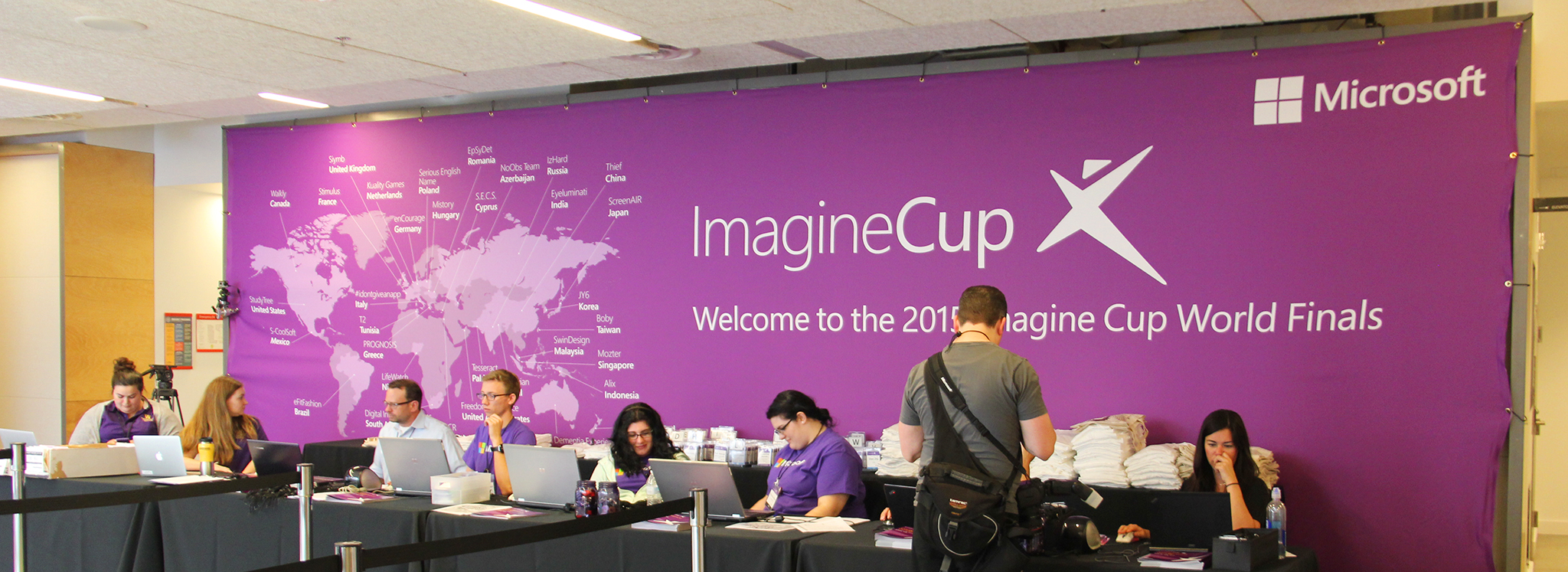
It has been 2 days since the start of the Imagine Cup 2015 week, and things are starting to heat up around here. In case you’re not yet aware, the Imagine Cup is the world’s most premier IT competition for students. From over 2000 teams who joined the Imagine Cup competition back in September last year, to the 150 teams in the World Semifinals, down to 33 World Finalists to compete for the Imagine Cup. Team Mozter, from Temasek Polytechnic, will be representing Singapore as one of the 33 World Finalists. ...

Map Masters | Welcome to the July 2015 Award Cycle (Part III)

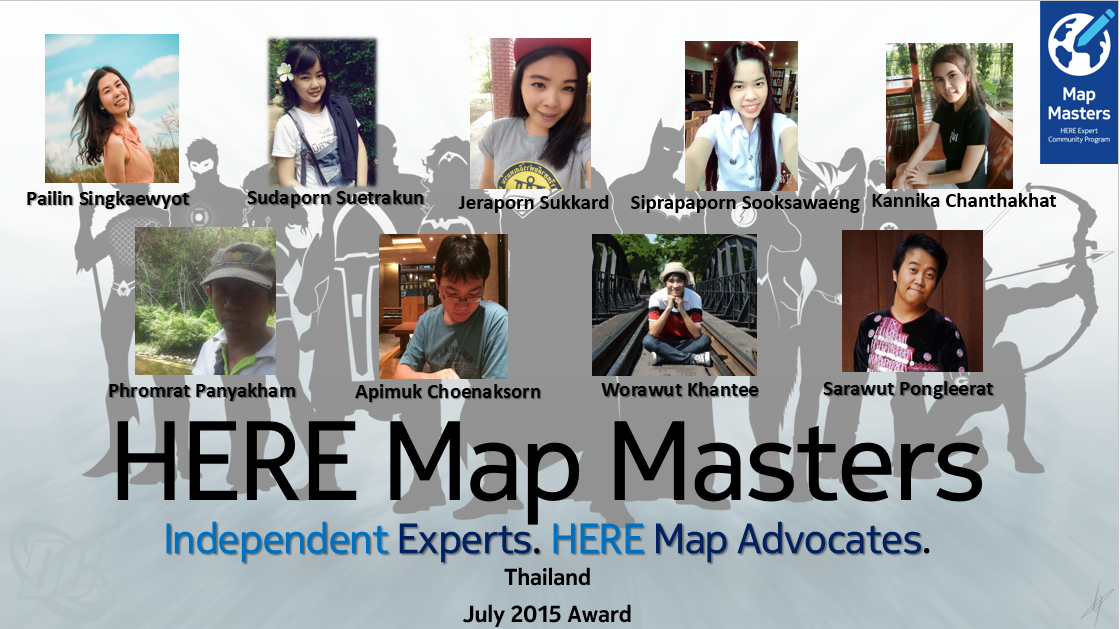
Welcome to Part III of our ‘Map Masters | Welcome to the July 2015 Award Cycle’ blog series. Today, we are shining spotlight on our Thailand Map Masters!] ———————————————————————————————————————————————————————– PAILIN SINGKAEWYOT | Contributions: Point of Interest, Road Geometry Thailand Map Master Pailin Singkaewyot is a nursing student. She heard about the HERE Expert Community Program from another Map Master and was keen to learn more about this program. Pailin is a fast learner and has since mastered the skills of using Map Creator to input point of interest. She was ranked 3rd in the HERE Thailand community with a great amount of input for point of interest. ...

Hands-on Experience with the Microsoft HoloLens @ Build 2015

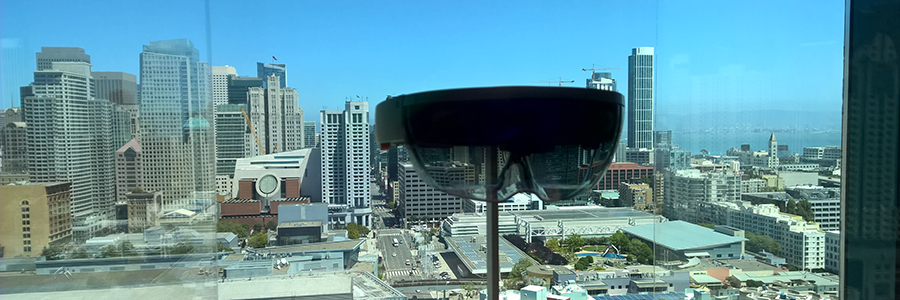
This comes a little late, especially with a bunch of lucky people getting to play with the HoloLens and an awesome Halo model at E3, where the HoloLens apparently had a few changes since I last tried it. Regardless, let me regale you with the tale of my experience with this fantasy-become-reality wearable at the Build 2015 Developer Conference in San Francisco on the 29th of April. Registration Microsoft announced they were accepting sign-ups for people to try out the HoloLens right after the opening Keynote (they started by saying they brought down a 100 sets, imagine the emotional ride as we realized we weren’t going to be able to bring one home). There were 3 categories available for sign-up – One-to-One Demo, Media Presentation, and Holographic Academy Training. With the link out to register, the people around us whipped out their phones to book their slot. Rong Kang and I had our laptops out, being in a conference call with our awesome colleagues back home. Registration for us was fast and easy, and we noticed that people were having trouble registering – the last step of the form (selecting your category) wasn’t working on some mobile devices! We ended up on the first batch of attendees to be on the One-to-One Demo, a 30-minute session with the HoloLens from 12:30pm to 1:00pm at the Intercontinental Hotel next to the Moscone Center. ...

Map Masters | Welcome to the July 2015 Award Cycle (Part II)

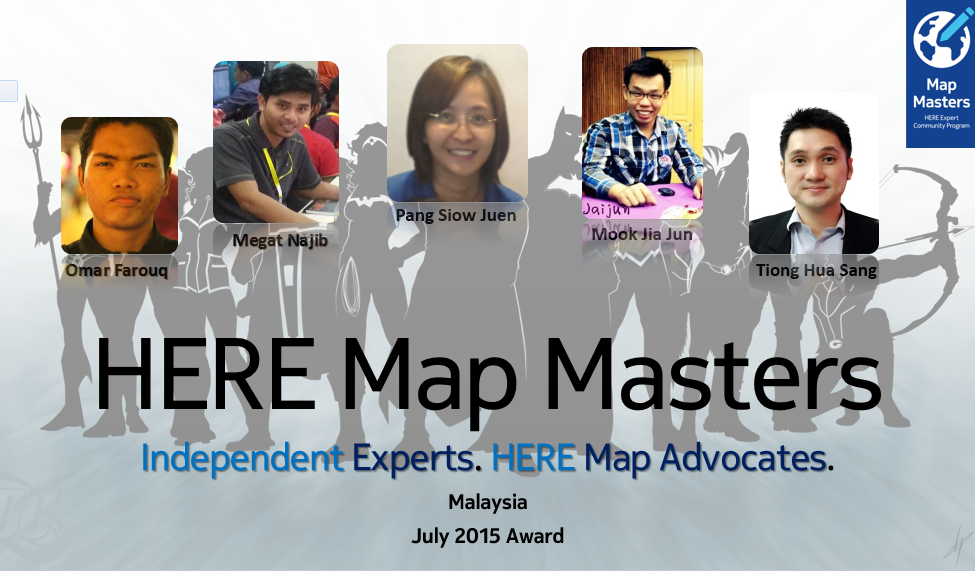
In Part I of our ‘Map Masters | Welcome to the July 2015 Award Cycle’ blog, we were thrilled to feature our Indonesia Map Masters. Today, we are excited to recognize the following Malaysia Map Masters for their remarkable contributions to the HERE Expert Community! —————————————————————————————————————————————————————————— MEGAT NAJIB | Contributions: Road Geometry, Point of Interest A final year Geomatic student at UiTM Shah Alam, Selangor, Megat Najib first got to know about the Map Creator during the HERE roadshow to UiTM Shah Alam on November 2014. He was impressed with how little local knowledge can be shared to help other and provide accurate navigation experiences. ...

Startup Feature: Grezzy Founder, Oliver Duric

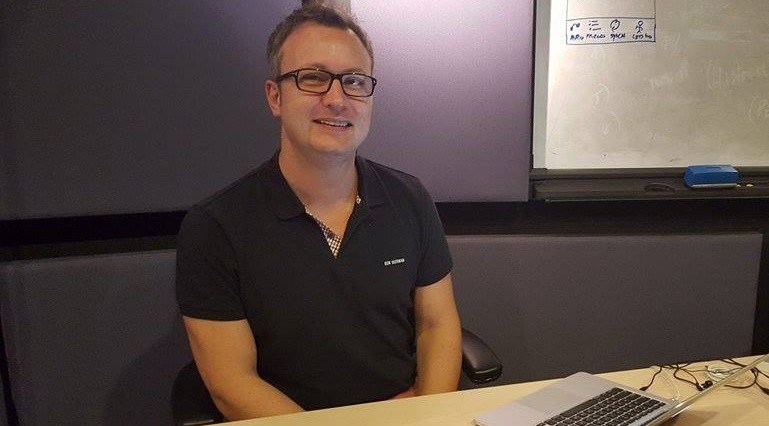
In this instalment of our Startup Feature series, we speak with Oliver Duric from Grezzy, one of our BizSpark startups. Grezzy is a software platform in the health and fitness space that connects people, tracks activities, motivates to be active and compete with the goal of living healthy. Grezzy has also recently moved into Microsoft’s office premise at One Marina Boulevard, as part of the BizSpark Residency program. For those who are curious to find out more about BizSpark Residency following the recent news releases (like this and this), read on! [caption id=“attachment_20630” align=“alignnone” width=“769”] Oliver Duric from Grezzy, seated at his co-working space in Microsoft Innovation Centre[/caption] ...

July 23, 2015 · 5 min ·  May Lim

Map Masters | Welcome to the July 2015 Award Cycle (Part I)

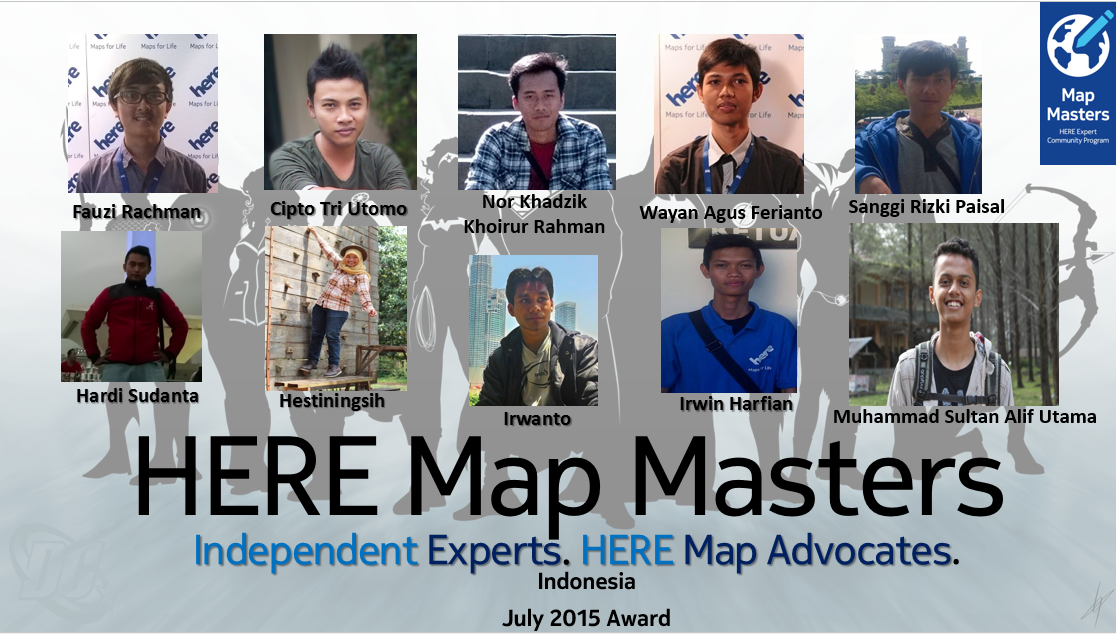
On July 1st, 2015, 28 exemplary community leaders around Southeast Asia were notified that they have received the Map Master title. The HERE Expert Community Program was established in June 2014 and recognizes exceptional HERE Map advocates who actively play a vital role in the map-making process, adoption and advancement of the map creation technology—and in helping HERE Map to creating a truly global map so that you will feel like a local, wherever you are. Not only do we have 18 brand new additions, we also have 10 re-rewarded Map Masters who will hold the Map Master title for another year. Congratulations on being inducted into the HERE Expert Community Program for the 2015 July award cycle. The caliber of your mapping contribution work is exceptional, and will have a major impact in scaling HERE to greater heights in the year ahead. Your achievements are a source of pride and inspiration to all of us. In this first series of Map Master Spotlights, we are featuring the Indonesia Map Masters! ————————————————————————————————————————————————————————— ...

Interview with Map Master - Luqman Hakim

Interview with Map Master – Luqman Hakim Happy Monday and welcome to another interview with a Map Master. It is my pleasure to introduce Luqman Hakim, also known as Lucky or ‘The Map Jockey’ to many of his friends. Visit him on Facebook: https://www.facebook.com/luckyhackymjecks?fref=ts ——————————————————————————————————————————————————— HERE: Who are you, where are you, and what do you do? Lucky: I am a student from the Geomatics Engineering at Institute Teknologi 10 November (ITS), Surabaya, East Java. HERE: How did you become a HERE Map Master? Lucky: I started out by contributing to geometries and point of interests in Map Creator. I must confessed that I am quite good at doing that as my friends have given me a nick name ‘The map jockey’. HERE: Do you have any suggestions or tips for wannabe-Map Masters or aspire to eventually become a HERE Map Master? Lucky: Always have passion in what you are doing and good things will come to you. HERE: How were you introduced to the HERE Map and what was your first contribution? Lucky: I heard of the program when HERE Indonesia team visited my campus. My first contribution was on geometries and point of interest using my friend’s account. Later, I decided to create my personal account so that I can contribute on a regular basis. HERE: Who has impressed you in the HERE Expert Community Program, and why? Lucky: I am impressed with the HERE Surabaya team. I used to be an intern in the HERE Surabaya office and they were very warm and taught me many things in the map-creation process. HERE: What is your best experience so far being a Map Master and in the HERE Expert Community Program? Lucky: The most exciting experience for me would be when I participated in a field survey in Bali with another Map Master Kemala Putri and the HERE Surabaya team. We stayed in a lovely place facing the ocean and the everyday survey activities were very fun. HERE: What are some of the areas of improvement which you would like to see in the HERE Expert Community Program? Lucky: I would love to see HERE holding more University roadshows to recruit more members for the HERE Expert Community Program. HERE: Final words/Your Motto as a Map Master Lucky: HERE – Your Maps for Life! -————————————————————————————————————————————————— Thank you Lucky for the interview and contributions. Brought to you by the HERE Expert Community Team