Azure Discovery Training

What is this training about? Discover Microsoft’s Cloud offering of the Azure platform with close to 60 different services spanning Infrastructure services, Platform Services, Identity Services, Data Services and Application Services. With Azure platform, the core is the Developer, IT Professional and Architects, hence we shall showcase Open Source and Microsoft technologies in this theme based demos for various scenarios that utilize more than one of the above Azure Services. ...

Level up your Microsoft Account with Microsoft Account Android App

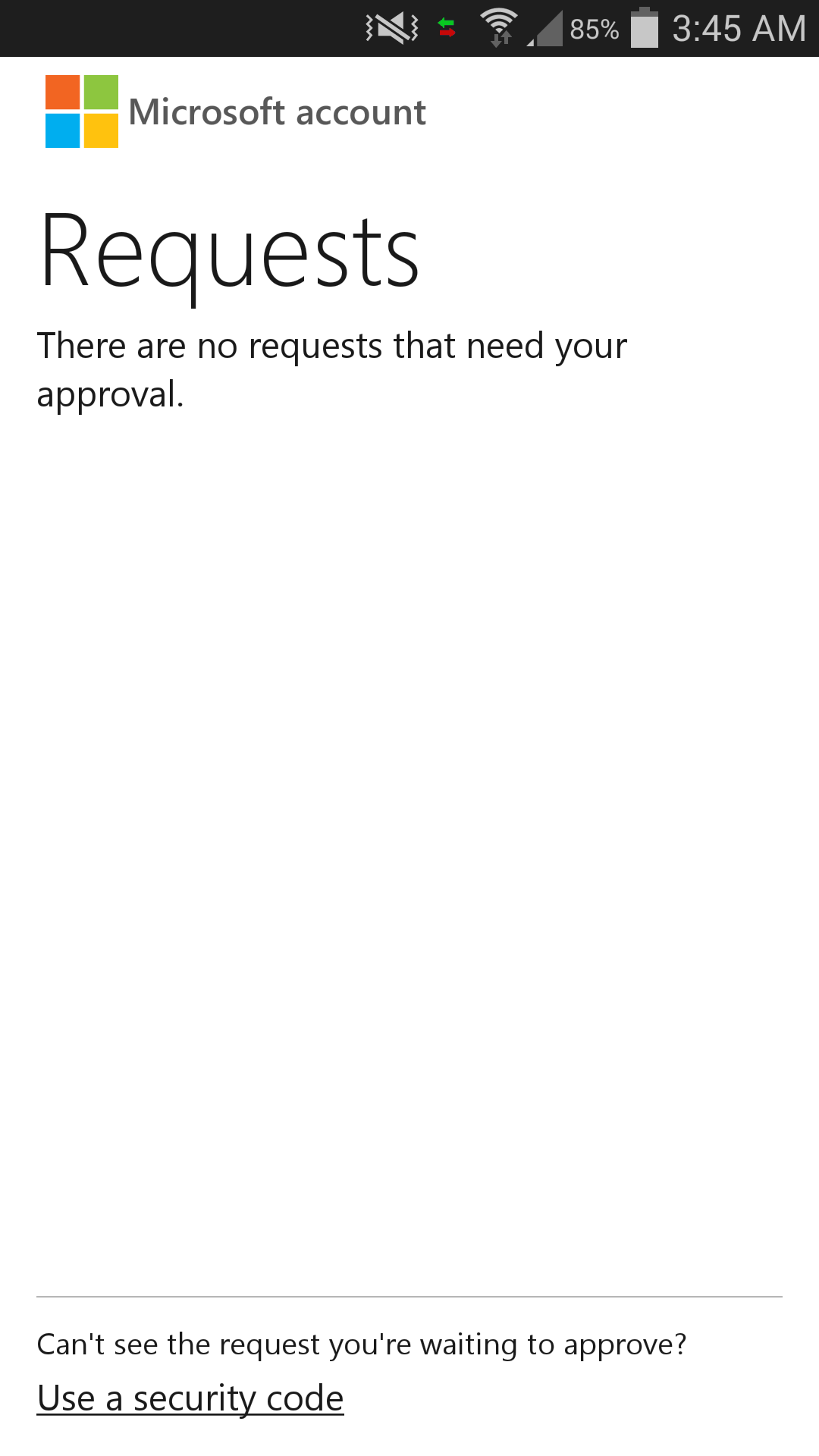
Some of you might have heard of 2-Step Verification. Google has their Google Authenticator. Well….. Microsoft now has our own authenticator app for the Android users. It’s called Microsoft account!!! One sentence to sum it up: It is awesome! For Google Authenticator, we have to remember the dynamic 6 digit code which changes every 30s. If you are using Microsoft account app, all you need to remember is where you put your phone! (LOL) When you open the Microsoft account app, you will only see requests. If previously you had logged in but didn’t complete the 2-Step Verification. You can see that there will be a login request with the approve request. With this, you are able to track if there is a suspicious activity going on in your Microsoft account. Big plus for this feature. To log in using Microsoft account app is even easier. Once you sign in to the Microsoft account, it will display an approve request code which you can check with your phone. If the approve request code on your phone is the same as the one shown in the browser, go ahead and approve it! Wait! There is one special thing. If you are using your phone at the same time (Facebook-ing/Twitter-ing), you don’t even have to enter the Microsoft account app! Just go to the notification and there is the “approve” or “deny” option for you to reply the request. THIS IS SO BRILLIANT. What if your phone doesn’t have an internet connection? It is alright. At the bottom, there is an option for you to use the traditional dynamic number code to login. Both Google Authenticator and Microsoft account app have multiple account support. Since Microsoft account app is so much better than Google Authenticator, does it mean that I can delete Google Authenticator app? Well……. The answer is NO! There is one thing that Google Authenticator does better than Microsoft account app. That’s third party app support. Web service such as Dropbox uses Google Authenticator to generate the dynamic login code. Without Google Authenticator, you will not be able to use the 2-Step Verification unless you opt for SMS / Email one time password. So Microsoft listen up!!! Please start developing for third party support! Personally, I hate to have 2 application that does the similar job. It just pisses me off when that happens (thanks to the awesome Lungic XD). ...

Windows 10 Unveiled

Microsoft Unveils the Future of Windows Company gives first look at Windows 10, highlighting enterprise advancements and open collaboration SAN FRANCISCO — Sept. 30, 2014 — Microsoft Corp. on Tuesday unveiled its next Windows operating system, Windows 10, and gave a first look at an early technical preview for the PC available Oct. 1. The announcement highlighted advancements designed for business, including an updated user experience and enhanced security and management capabilities. The company also introduced the Windows Insider Program, kicking off its largest-ever open collaborative development effort to change the way Windows is built and delivered to best meet the needs of customers. Program participants will receive the technical preview of Windows 10 and a steady stream of builds through the development cycle to use and give feedback on. “Windows 10 represents the first step of a whole new generation of Windows, unlocking new experiences to give customers new ways to work, play and connect,” said Terry Myerson, executive vice president of the Operating Systems group at Microsoft. “This will be our most comprehensive operating system and the best release Microsoft has ever done for our business customers, and we look forward to working together with our broader Windows community to bring Windows 10 to life in the months ahead.” Windows 10: familiarity and consistency across devices Windows 10 adapts to the devices customers are using — from Xbox to PCs and phones to tablets and tiny gadgets — and what they’re doing with a consistent, familiar and compatible experience, enabling even greater productivity. Windows 10 will run across the broadest range of devices ever from the Internet of Things to enterprise datacenters worldwide. Microsoft is also delivering a converged application platform for developers on all devices with a unified app store. Developers will be able to write an application once and deploy it easily across multiple device types, making discovery, purchase and updating easier than ever for customers. Windows 10: designed for the challenges of modern business Windows 10 builds nearly everything that businesses need right into the core of the product — including enterprise-grade security, identity and information protection features — in ways that can reduce complexities and provide better experiences than other solutions. One area of advancement is in the work Microsoft has done with user identities to improve resistance to breach, theft or phishing. Windows 10 will also help advance data loss prevention by using containers and data separation at the application and file level, enabling protection that follows the data as it goes from a tablet or PC to a USB drive, email or the cloud. Management and deployment have been simplified to help lower costs, including in-place upgrades from Windows 7 or Windows 8 that are focused on making device wipe-and-reload scenarios obsolete. Businesses will also have the flexibility to choose how quickly they adopt the latest innovations and influence continued improvements. In addition, organizations will be able to customize an app store specific to their needs and environment. The intent is an app store that will allow for volume app licensing, flexible distribution, and the ability for organizations to reclaim or reuse licenses when necessary. Technical preview PC productivity The early technical preview of Windows 10 demonstrates new levels of flexibility, navigation and familiarity through the Windows experience. Features include these: ...

Deploy a Website in 10 minutes using Dropbox and Azure

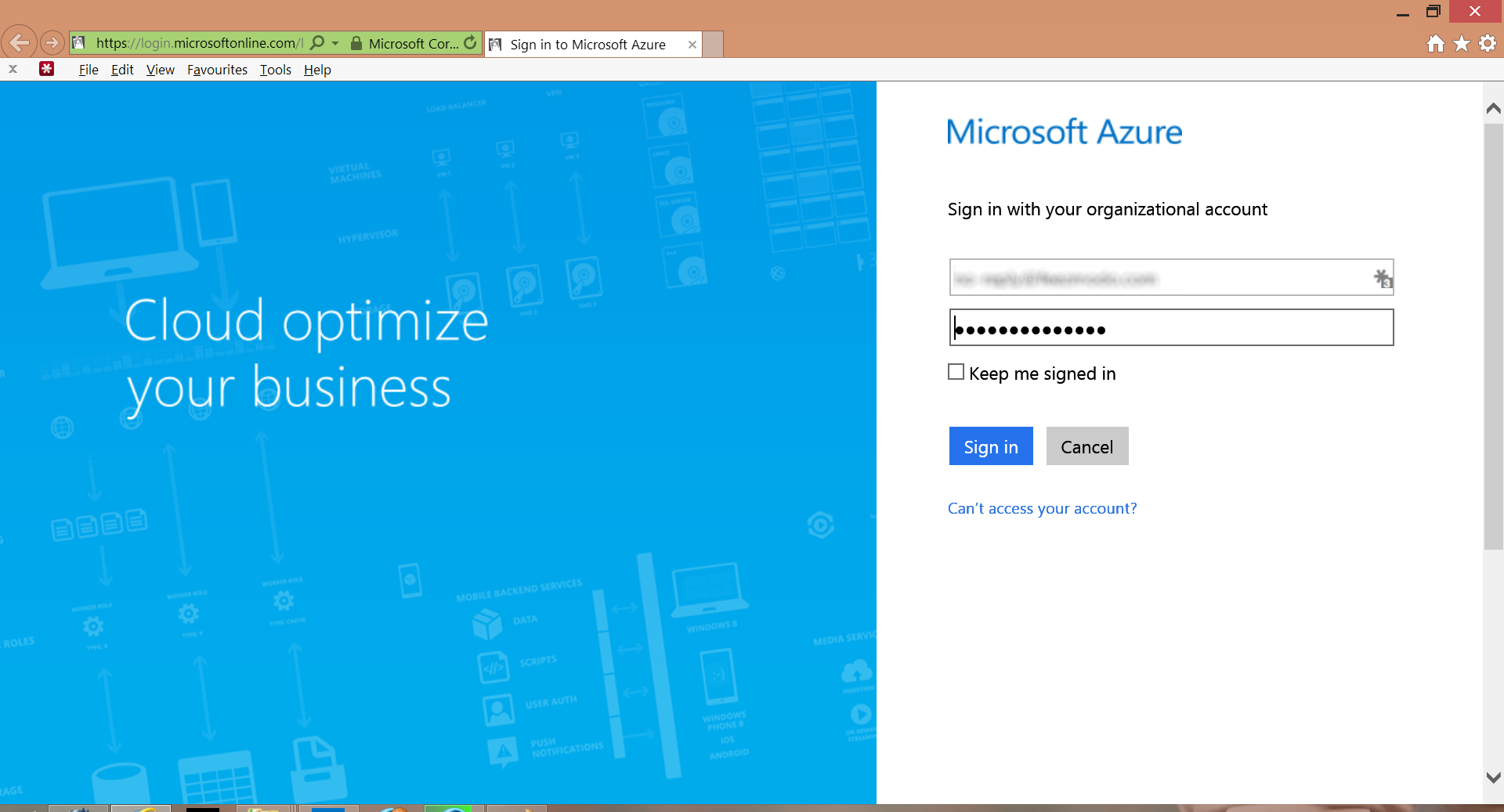
It only takes 10 minutes to deploy your website with Azure. Free distinction for everyone! Just follow the guide below. What do you need? 1. A Microsoft Account with Azure! (Hey! Microsoft gives you a 30 day free trial) 2. A Dropbox Account (Free 2GB account is more than enough) 3. A folder with all the developed HTML/PHP/JavaScript/CSS files (Make sure they can run on local host to save your 30 days free trial) 4. 10 mins of your time Alright! Let’s start! ...

Fans Celebrate the Launch of Xbox One

Xbox One Singapore: Fans celebrate the launch of Xbox One in Singapore Xbox’s biggest ever launch in Singapore Xbox fan Aw Jeng Kit, 18, lines up for more than 19 hours Xbox One paints Funan DigitaLife Mall in green Xbox One on sale in over 150 stores nationwide On the 23rd of September, Singapore officially welcomed the Xbox One at 1300hrs. The event kicked off with pre-order collection amongst the mass of over 500 fans as they turned Funan DigitaLife Mall into a sea of green. Funan DigitaLife Mall came to a standstill as fans and employees of Xbox welcomed a new generation in gaming and entertainment. The console launch will continue into the evening as invited fans battle it out in the sky onboard the Singapore Flyer. The iconic landmark will light up Singapore’s skyline with the Xbox’s signature green – leaving its mark as the next generation entertainment console. Hanson Yap, Marketing Manager, Interactive Entertainment Business, and Microsoft, Singapore, said: “The feedback from our fans in Singapore has been overwhelming. We are on track to making this the biggest ever Xbox launch in history in Singapore. Today marks a historic day for us and our fans.” Only on Xbox One this holiday will gamers be able to create Car Clubs of up to 1,000 members and race through a wide-open world featuring the stunning landscapes of Southern Europe in “Forza Horizon 2”, relive the complete story of a legendary hero in “Halo: The Master Chief Collection”, explore, scavenge and fight to survive in a world overrun by zombies in “Dead Rising 3”, join Ori, the last spirit guardian, as he discovers the mysteries of a dying forest in a beautiful coming-of-age story in “Ori and the Blind Forest”, and dive into the mayhem of Sunset City in “Sunset Overdrive”. Also available on Xbox One this holiday season are highly anticipated blockbusters like “Assassin’s Creed: Unity”, “Call of Duty: Advanced Warfare”, and “EA SPORTS FIFA 15”. Fans can also look forward to the StarHub TV Anywhere app, where users will be able to access an exciting library of content, unique to the Xbox One. “The games industry is evolving and growing fast, and we are proud to have Singaporean gamers help drive the new Xbox One era. Our commitment is that we will at least have 50 games this holiday with 20 of them being exclusive to the Xbox platform which makes it the biggest console launch line up in Singapore,” added Hanson Yap. Xbox One is the only console that lets you play award-winning games with your family and friends. And only on Xbox One can you instantly switch between all of your entertainment and enjoy breakthrough technology like the 1080p Kinect HD Sensor. Xbox One is now on sale across Asia following simultaneous launches in cities including Seoul, Hong Kong, and Taipei.

Lumia 830 Now Available In Singapore

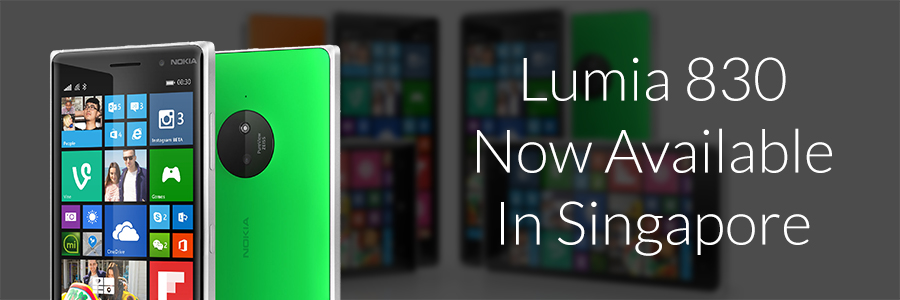
Lumia 830 Now Available In Singapore Bringing flagship style and performance to more people with integrated Microsoft experiences and superior PureView imaging 25 September 2014, Singapore Microsoft today announced the availability of the affordable flagship Lumia 830 in Singapore for SGD529. With a premium design, superior PureView imaging and integrated Microsoft services, Lumia 830 makes high-end innovation more affordable. With from the best of Windows Phone 8.1, and packing the very best Lumia innovations including Wireless Charging, Optimized Image Stabilization and SensorCore into an ultra-sleek package, the Lumia 830 delivers: ...

No more yearly renewal for Windows Developer Center accounts

Always thinking whether it is a good time to consider investing in Windows or Windows Phone development? Now you have an extra incentive for jumping on the bandwagon. Starting this week, developers do not have to renew their subscription for the Windows Developer Center. Previously Windows Developer Center requires developers to pay USD19 every year to continue publishing apps on the Windows Store and the Windows Phone Store. Now, only a one-time payment during registration is needed when new developers sign up for the program. For more information, you can check out the Windows’s Blog. If you are interested to find out more about how to develop for Windows or Windows Phone, you may want to check out Microsoft Virtual Academy. There is a loads of tutorials and courses to make your development easier! Don’t hesitate to leave a comment below about what you think!

Discovering TechFest 2014

6th September 2014 saw one of the largest gathering of technologists, entrepreneurs, and tech enthusiasts at SCAPE for TechFest 2014. People from all walks of life came together to share their experiences and passion for technology, and to inspire and encourage each other to continue doing what we love. The event featured various talks by over 20 distiniguished speakers, such as Mr Tan Min Liang (Razer Co-founder), Mr Sergio Salvador (Google - Global Head Games Partnerships), Mr Bunnie Huang (Kosagi - Co-Founder), Mr Aaron Gill (GrabTaxi - Head of Product), and Mr Tan Chun Siong (Microsoft - Technical Evangelist). A gallery of notable technology organizations, groups, and startups were also present to showcase their latest tech offerings and share their personal journeys in the industry, such as Autodesk, Carousell, and Garena. I absolutely enjoyed myself at the event, catching up with old friends while meeting new ones and sharing our passion for the industry. The sold-out event was a resounding success and a testament to the thriving tech community in Singapore. Kudos to the organizers of the event and a special thank you to everyone who participated in TechFest 2014! What do you think of TechFest 2014? Please share your experiences in the comments below and provide your suggestions on the next event that we should cover.

How to activate free Azure credits for BizSpark

So you’ve signed up for and gotten approved for BizSpark; the next step is to activate your Azure credits so you can start running backend stuff for your app. Here are 7 steps to activate your free monthly USD150 worth of Azure benefits. 1) Primary user logs on to BizSpark 2) Click on ‘My Benefits’ > ‘Microsoft Azure’ > ‘How do I get it.’ 3) Clicking on ‘My Account’ will bring you to the MSDN Subscription page, where first-time users need to activate their accounts by clicking on “Activate your account” link ...

Surface Pro 3 arrives in Singapore

Surface Pro 3 arrives in Singapore Microsoft-commissioned survey shows that changing consumer needs are driving Singapore’s demand for more powerful and versatile devices like Surface Pro 3 Singapore — Aug. 28, 2014 — Microsoft Singapore today announced retail availability of Surface Pro 3 in Singapore. The latest in the Surface lineup, Surface Pro 3 is a lightweight tablet that delivers the power and performance of a laptop. Customers in Singapore can buy any of the Surface Pro 3 Intel® Core™ i3, i5 or i7 models at MicrosoftStore.com, selected retailers and authorized commercial resellers. Surface Pro 3 arrives as consumers are increasingly looking for more powerful devices to be more productive at work and leisure. In a recently commissioned survey of 300 working professionals¹ in Singapore, 53% of respondents said that they are no longer desk-bound at work. In addition, 76% of working professionals in Singapore own three or more types of devices, and 38% of respondents carry both their tablet and laptop with them at all times. In a world where true convergence of digital work and life has become pervasive, consumers are increasingly turning to hybrid² or laptop devices to meet their needs. In some work scenarios like presentations or communications, a tablet is being used as well. However, 50 percent of respondents felt that they would get the best experience for both work and play from a hybrid or laptop than a standalone tablet. The top two frustrations about a tablet listed are the lack of processing power and the lack of applications. The inability to use a mouse tied with the lack of productivity applications for the third most frustrating factor. “Our research is clear: people want just one device that does everything,” said Joy Quek, Windows Business Group Lead, Microsoft Singapore. “The next era of personal computing is not just about tablets and smartphones, it’s also about powerful devices like hybrids which make work-life much more efficient. Our vision is that Surface Pro 3 is the tablet that can replace your laptop — packing all the performance and utility of a fully powered laptop into a thin, light and beautifully designed tablet. You’ll love being able to carry one device for your next class, workday or weekend getaway knowing you have all the power you need.” In fact, 28 percent of respondents chose a hybrid as their preferred device for their next purchase, a higher number compared to tablets (25 percent) and laptops (24 percent). Continued Quek: “Considering that hybrids are a fairly new category of devices, it is great to see it gaining preference as a better way to bridge the digital work and life needs of working professionals.” Surface Pro 3 – the sleek and premium tablet that enables work-life convergence Surface Pro 3 is ideal for consumers who wants to streamline their lifestyles and get stuff done, not just mobile professionals, but also students and people in business environments who need high levels of corporate access, data security and central manageability. Some of the key features of Surface Pro 3 include: ...