Scaling On The Cloud for Singapore Startups

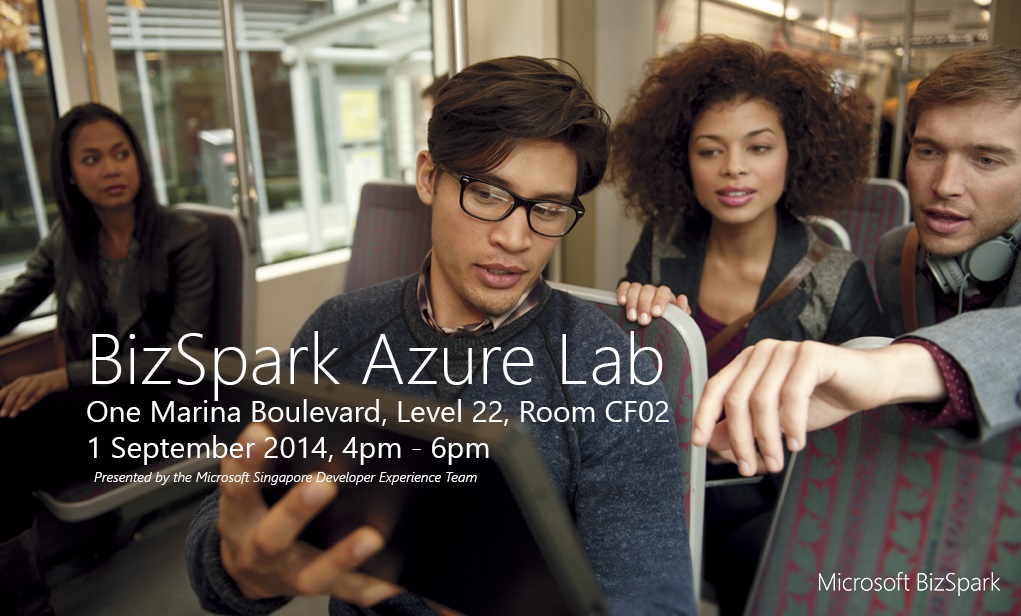
We recently sent out a survey asking BizSpark startups what they wanted to learn about Azure. The results were interesting, with most responding that they wanted to learn how to scale on the cloud. As such, we decided to run an Azure lab for startups this 1 September 2014. You can register here: http://bit.ly/bizsparkazurelab1 Schedule Keynote Compute PAAS IAAS Data and Storage Networking, Caching Things to Bring Microsoft Azure Subscription login details (MSDN subscription from your BizSpark account) ...

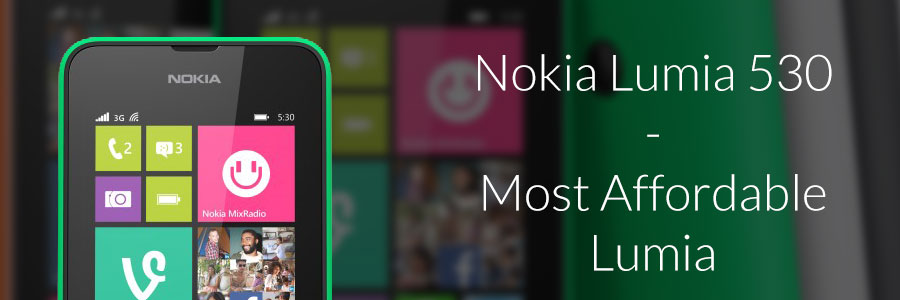
Nokia Lumia 530 - Most Affordable Lumia

New Lumia 530 Brings Uncompromised Smartphone Performance at SGD159 Most Affordable Lumia Available on 23 August 2014 Singapore – August 20, 2014 – Microsoft Devices Group today announced the Lumia 530, the most affordable Lumia to date, delivering an uncompromised smartphone experience with the latest Microsoft and Lumia innovations. It is available in Singapore for an estimated retail price of SGD159 from 23 August 2014, Saturday. Available in Dual SIM 3G variant, Lumia 530 will expand the reach of Windows Phone as the first Lumia introduced below 200 Singapore Dollars, allowing more people to enjoy innovations and Microsoft services found in high-end Lumia smartphones. This includes: ...

Surface Pro 3 will launch in Singapore on 28 August!

Microsoft has announced via the Surface Blog that Surface Pro 3 will become available for purchase at retail outlets and commercial resellers on 28 August in Singapore. Customers can pre-orders for Surface Pro 3 now at the Microsoft Store online, as well as at authorized retailers Challenger, Newstead and Harvey Norman. In addition, the Surface Pro 3 Docking Station is now available for pre-orders at a recommended retail price of S$288.00, and will be available in September 2014. Customers who pre-order or purchase Surface Pro 3 between 4 Jul and 31 Aug 2014 with DBS/POSB credit or debit cards will receive a free messenger bag (while stocks last). Here’s a quick recap on availability, pricing and current promotions for your quick reference: ...

Microsoft announces 2014 Worldwide Imagine Cup winners

Microsoft announces 2014 Worldwide Imagine Cup winners Microsoft CEO Satya Nadella awards World Champion team; program expansion to empower more student innovators announced. SEATTLE — Aug. 1, 2014 — Microsoft Corp. on Friday announced the winners of the Microsoft Imagine Cup, the company’s premier competition for student technologists, developers and aspiring entrepreneurs from across the globe and a cornerstone of the Microsoft YouthSpark initiative. Over the past 12 years the Imagine Cup has empowered more than 1.7 million students worldwide to do more and achieve more through technology. A first place team was chosen in each of the three competition categories: Games, Innovation and World Citizenship. One of those three winning teams was then named World Champion, taking home the Imagine Cup and receiving a private meeting with Bill Gates, Microsoft founder and technology advisor. The winners were announced at the Imagine Cup World Championship ceremony during Microsoft’s TechReady conference at the Washington State Convention Center, in front of an audience of 5,000 students, judges, partners and Microsoft employees. The ceremony was the culmination of a weeklong event and celebrates the power of student innovation. “There is not a business, vertical industry or person on the planet untouched by technology,” Nadella said. “Imagine Cup empowers students to hack tough problems, while learning and building off the work of others. Student developers play a huge role in bringing new technologies to life in a mobile-first, cloud-first world. Congratulations to all the competitors for their hard work and creativity.” Also announced was the expansion of the Imagine Cup program to make it available for even younger students worldwide who have the desire to create and code using Microsoft technology. Through the Imagine Cup program, students are empowered to dream big, build creatively, learn through competition and boldly bring their ideas to life as they gain lifelong career skills throughout their journey. “Imagine Cup is about fostering new ideas and encouraging students to push the boundaries and imagine what’s possible now and in the future. Student developers play a huge role in helping to bring new technology innovations to life in ways that shape the way we work, live and play,” said Steve Guggenheimer, corporate vice president and chief evangelist, Microsoft. “Going forward, Microsoft’s Imagine Cup program aims to empower even more students, at younger ages, with the technologies, skills and resources to build a lifelong passion for technology, helping to grow the next generation of innovators. We’re very proud of the Imagine Cup program and even more proud of our student competitors from all around the globe.” ...

Developer Feature: Packnada Co-Founder, Jonathan

In the next installment of our Developer Feature series, Spiffy talks to the co-founder of Packnada, Jonathan. Packnada is a fresh new Singapore-based startup with a unique online business revolving around business travel and quite literally, your dirty laundry. 1) Tell us about Packnada, and what is its origin story? Like most startups, Packnada was born out of frustration. Johnbosco (my co-founder) and I were stuck in a stupidly long queue at the Hong Kong airport during a business trip, and I guarantee we weren’t the only frustrated ones. If we didn’t have to carry around our clothes, we’d be saving a lot of time, not just from skipping queues, but from skipping packing and laundry altogether. We’re both geeks at heart, so we decided to combine something traditional like clothes, with the concept of cloud storage! If we can have our files wherever we go, why don’t we do the same for clothes? You’d never have to pack, and always find your essentials waiting at your hotel! ...

This National Day, App Up for Singapore!

Singapore’s birthday is just round the corner, and what better way to display your patriotism for your country than showing some love for our local app developers? There are tonnes of made-in-Singapore apps in the Windows and Windows Phone Stores, and we’ve highlighted some of the must-haves in this issue. From food to entertainment, these apps are made by Singapore, for Singapore. While enjoying the apps, you’ll even have the bonus feed-good factor of having supported your own hometown app heroes. So scroll on and check out the apps! ...

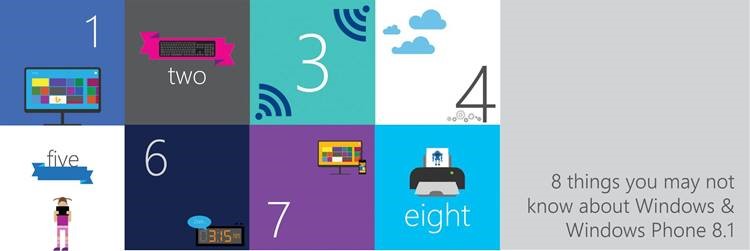
Celebrate 8 things with Windows

Celebrate 8 things you may not know about Windows 8.1 & Windows Phone 8.1 this August! Did you know that Microsoft has created nine signature Bing Apps for Windows and Windows Phone? We’re not just talking about web search—these Bing apps put the power of decision-making into your fingertips with up-to-date info ranging from Weather to Travel to Health & Fitness. With the latest Windows Phone 8.1 update, you can now enable single sign-on to all your favorite Bing apps for a unified experience. Your customized settings and personal information are synchronized across all your devices, so that the information you desire is always front and center. How fast can you type the following 160-character sentence on your smartphone? ...

New Update to Windows Phone 8.1

Microsoft on Wednesday announced an update to Windows Phone 8.1 that has some great features for everyone around the world. These features include: Live Folders will be available as part of the update, letting users organize their apps into folders on the Start Screen. We call this Live Folders because the live tiles of apps appear in the tile of the folders—you won’t miss tile updates because you group apps in a folder! SMS merge & forwarding. It’s now easier for users to select multiple SMS messages for deletion and forwarding. Apps Corner is a new feature that displays pre-selected apps in a special ‘sandboxed’ mode that restricts which apps are used. This is catered for businesses so that they can allow access to specific apps in cases where a full MDM solution isn’t required. These updates will be made available from next week if users are on the Windows Phone 8.1 Preview for Developers; and the update will roll out to the rest of Windows Phone 8.1 devices in the coming months. You can read more about these new updates and features on the Windows Phone Blog here.

All-new Windows Phone experience: Lumia Cyan update

All-new Windows Phone experience: Lumia Cyan update The latest Windows Phone 8.1 features for your Lumia Microsoft has just released the latest Lumia Cyan software update, which has now been rolled out to Nokia Lumia phones running on Windows Phone 8. Integrating a combination of the latest Windows Phone 8.1 update and a rich suite of unique Lumia features, the Lumia Cyan update brings new powerful experiences for existing Lumia smartphones. The new features in the Lumia Cyan update include: ...

Check Out Microsoft Virtual Academy!

Coping with ever-changing technologies is just one of the many challenges we must face as IT developers. Technology, tools and SDKs are rapidly evolving and you may notice that many products are now on a yearly release cycle. While we are busy coping with all our other commitments, it is difficult to stay on top of these latest developments and keep our skills current and relevant. What I’ve found that this problem is easier to handle with Microsoft products because of the Microsoft Virtual Academy or MVA! It’s a great place to go if you’re an IT professional or developer and you can learn from fundamentals to advanced levels on a wide range of topics on Microsoft technologies. If you’re a teacher or lecturer, you can recommend students to use MVA as a learning platform to grab new skills which can be used in the working environment. If you are a hiring manager, plan to hire fresh graduate or experienced IT personnel, you could require the candidate to complete required courses to make sure they’re ready for challenges ahead. If you are a team leader or manager, you could ask team members to learn some specific courses, for common understanding and have standard skill sets among team members. And if you’re looking to enhance your skills or pursue Microsoft certifications, MVA is the definitely the best place to start with. Do make sure you check out Microsoft Virtual Academy soon and register at http://www.microsoftvirtualacademy.com/. There is new content uploaded regularly and live sessions every week!