Unity Contest for Windows and Windows Phone

If you are a developer with Unity, or have plans to make your own game title, don’t miss this challenge! Win up to USD50,000 if you port or submit your game to the Windows Store and/or Windows Phone Store. Benefits: Free publishing to the Windows Store and Windows Phone Stand a chance to win cash prizes or a Unity Pro license What will the games be judged on? Who should join? ...

Exploring Asian Innovations at InnovFest 2014

On April 15th, I was fortunate to be able to attend InnovFest 2014 organized by National University of Singapore (NUS). The theme for InnovFest 2014 is “Asian Innovations Going Global” and the festival featured an exciting collection of Asian innovations, research, technologies, product presentations, and discussion panels. Some of the innovations and technologies that caught my attention included: 1. Interclo - Disaster relief clothing with multiple applications, such as a jacket, a shawl, a sleeping bag, and a blanket. 2. Neural prostheses by Sinapse. 3. Green Steel - Bamboo reinforced concrete by Singapore-ETH Centre Future Cities Laboratory. 4. T-Jacket which simulates hugs to calm and comfort individuals. 5. Cacstix which captures tiny micro plastics in laundry wastewater before it is released into the ocean. Beside exploring the latest innovations, research, and technologies, I also managed to attend interesting product presentations and discussions panels on topics such as technology transfers from research to market, innovations in healthcare for the ageing and silver industry, and next generation learning. Amongst the panels, I liked the discussion on next generation learning moderated by David Lim (Director, Technical Audience Marketing, Developer & Platform Evangelism, Asia Pacific Region, Microsoft Operations Pte Ltd). During the discussion, Dave Cho (founder and CEO of Classting) and Stanley Han (co-founder and CEO of Koobits) shared their experiences on building an edu-startup and provided their insights into the online learning market. Three key market insights highlighted during the panel are: 1. The online learning market is still in its infancy, and the main challenge is to identify your market, your target audience, and your unique selling proposition (USP). As Stanley Ho pointed out, he spent approximately three years refining his business model, identifying and understanding the needs and behavior of his target audience, and developing products that addressed the needs of his audience while maximizing the benefits of the online learning platform. 2. The popularity of online learning will only serve to amplify the role of teachers by enabling each teacher to reach out to more students in geographically dispersed locations. One of the potential future of online learning platforms, such as Koobits and Classting, is to provide personalized learning experiences that is accessible to students from all over the world. 3. Monetization continues to be a challenge for edu-startups and you have to be passionate in your entrepreneurial pursuit despite a seemingly losing course of action. Although Classting has over 80,000 classes in its online edu-social platform and occupies 70% of the domestic market in South Korea, the platform continues to provide its services for free and will only explore monetization avenues in the near future. I would like to say a big “Thank You” to NUS for organizing a great gathering of entrepreneurs, researchers, and innovators to share and exchange ideas and technologies. What do you think of InnovFest 2014? Do you have other great events to recommend for us to participate? Do share with us your recommendations in the comments below and we might just do a special report based on your recommendations!

Game on with ESPN FC World Cup Essentials on Internet Explorer

In partnership with ESPN, the Internet Explorer team is thrilled to announce ESPN FC World Cup Essentials for the web! There is so much excitement around World Cup, but it can be hard for fans to find all the information they want in one place. ESPN FC World Cup Essentials covers it all whether you’re a big fan or just watching the matches for fun. ESPN FC World Cup Essentials is not just the place to get ready for the World Cup. Fans will also be able to: • Access and download exclusive ESPN content and artwork created specifically for the World Cup 2014 • Get an immersive sports experience with IE11 technology Built for touch, the site is best experienced on IE11, but will work across all modern browsers and devices. The site really comes to life in the browser and features real-time news, exclusive content curated by ESPN experts and 3D artwork using WebGL. The ESPN FC World Cup Essentials site joins other Rethink IE experiences such as 22tracks and Assassin’s Creed Pirates as examples of what is possible on the web today with modern browsers For more information, please visit the Exploring IE blog.

Make8 Windows App : OneDrive to rule them all

 Hello! We are at the 8th Installation of our Challenge, and we will be merging these challenges for both Windows and Windows Phone moving forward. This challenge would be targeting Universal Apps. You would need to deliver both Windows and Windows Phone apps for this challenge. We will be running this challenge for 6 weeks to give you more time for the universal app. Deadline is 12th July 2014 2359hrs Here are the list of Challenge to date ...

//publish/Hackathon in London

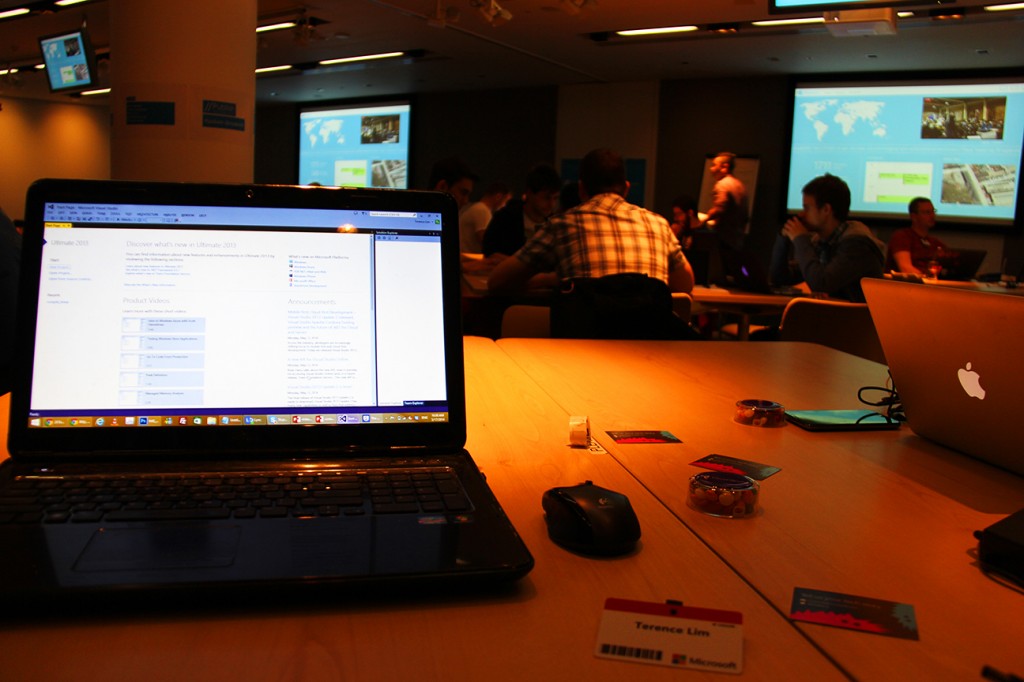
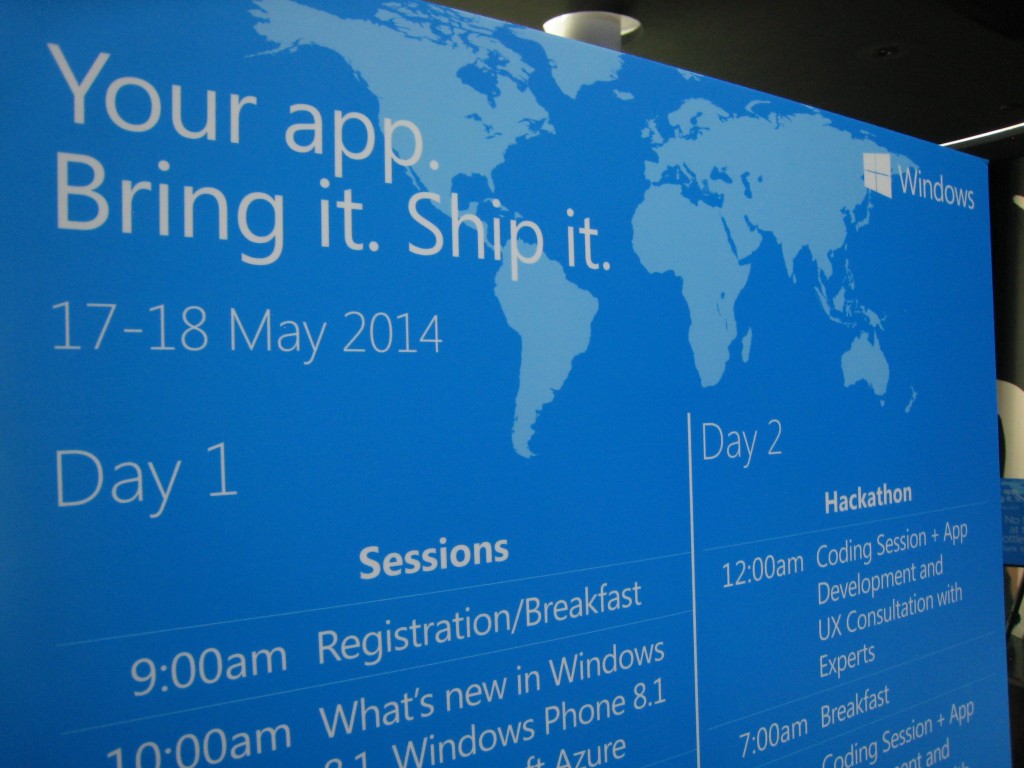
While many of you had the awesome opportunity to attend the exciting //publish/Hackathon event held in Singapore, I had the chance to attend the one held in London, United Kingdom. The event here was held at Cardinal Place, Microsoft London on 17th May 2014 from 9am - 9pm. Throughout the event, developers had the opportunity to gather for the day to develop and publish their apps. It was also a great opportunity to connect with other developers around the world via live video stream and chat room, view training sessions, and get 1-on-1 personalized consulting with Microsoft Engineers on-site at the dev clinics. The engineers provided valuable feedback to make great apps into masterpieces, where some of the support rendered included store certification preparation, migration guidance, advice for app performance, stability and design, and troubleshooting assistance. Also, there was the UK AppChallenge held concurrently, where attendees had the chance to win Microsoft hardware as we competed with one another to climb the leader board. Unlike the one held in Singapore which lasted for 2 days, we only had the event for a day, so we had to make every second count! At the end of the day, developers who published an app received a limited edition goodybag consisting thumbdrives, special edition t-shirts and cool Microsoft gifts. On top of that, developers also demoed their published apps, and the best ones won pretty awesome hardware devices. Well, enough said, I guess I’ll let the photos I took do the talking! :)

Remote Desktop into Ubuntu Server with GUI on Windows Azure

Someone was trying this out and could not get this to work so I mentioned I would write an article if I got it working and I did get it working so here is the article. Let’s not have much of the usual gibberish that I write at the start of the post and get straight to the point. What you would need: 1. 30-Day Trial Azure Subscription [link] (If you do not have one) 2. A little bit of knowledge of Linux shell commands 3. PuTTY [link] on Windows | Terminal on OS X 4. Remote Desktop Client (It’s on the Mac App Store for you OS X users. P.S. The OS X Version is also really pretty.) [link] Create your Virtual Machine through Windows Azure and let’s make one running the latest Ubuntu which is 14.04 LTS as seen below. Give it a little bit to create, eat a cookie, drink a cuppa joe or anything that can be done in 5 minutes. Once that’s done, go to the Endpoints section of the Virtual Machine and click Add to add an Endpoint. Once you see this click next and select Remote Desktop as the name of the Endpoint, all the relevant details will be filled out for you (yipee) and just hit the tick at the bottom right. Wait a little again and your Endpoint will be successfully added. Moving on to commandline stuff! Fire Up PuTTY and fill in your login details as such or if you are on OS X follow the image below PuTTY one. Now, let’s proceed onto this by just typing commands into the box above. Each line means a new command. ...

Microsoft unveils Surface Pro 3, new accessories

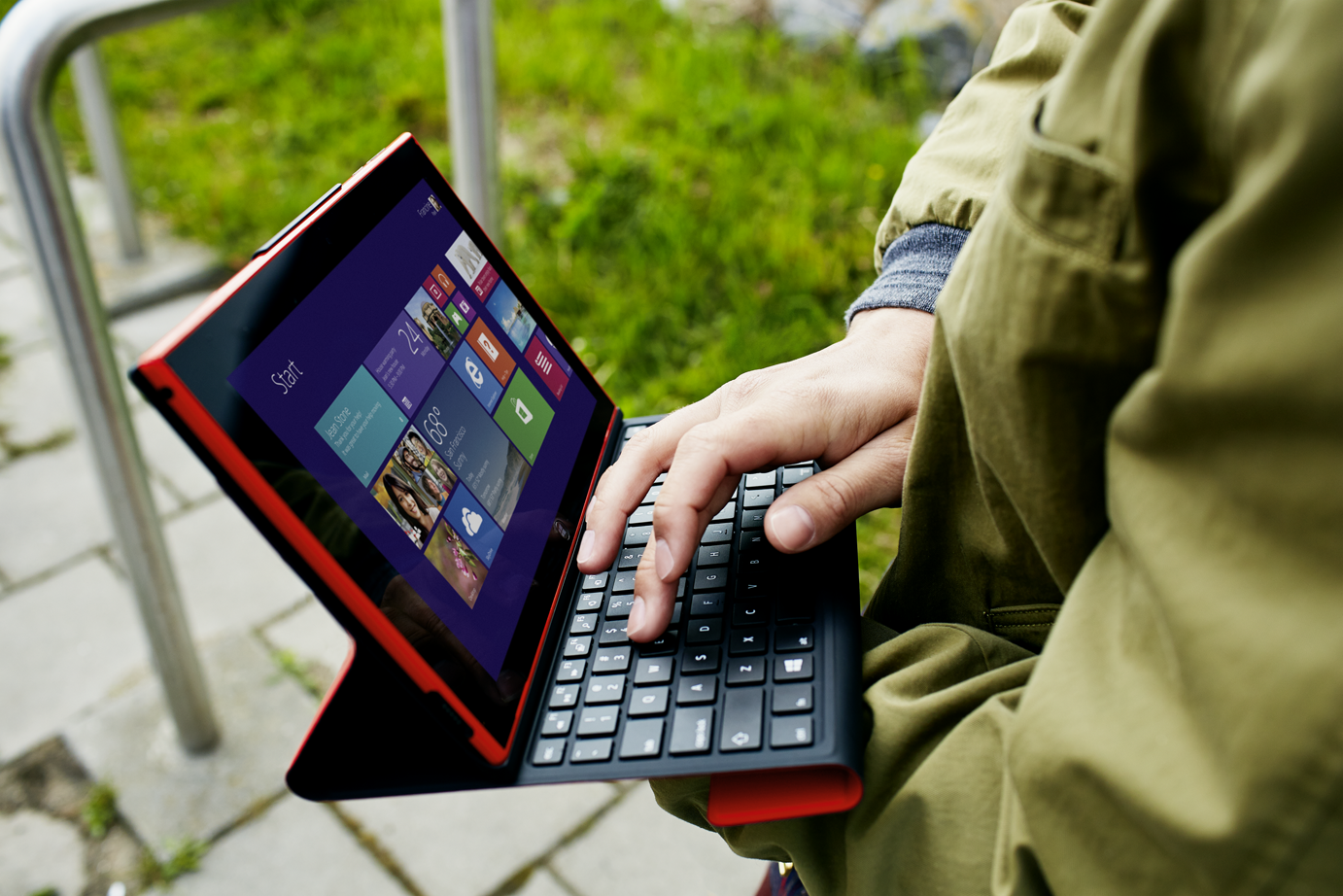
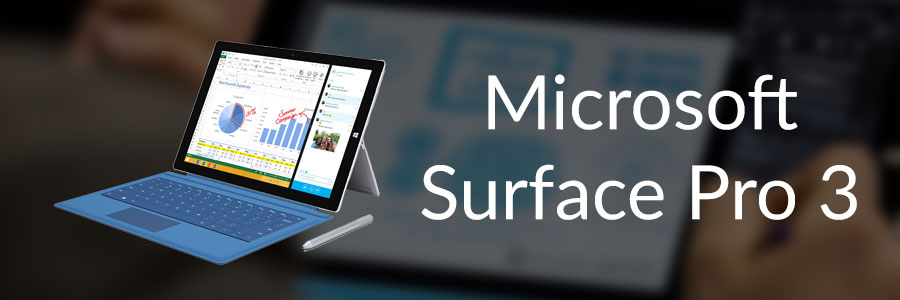
Today, at an event in New York City, Microsoft announced the Surface family is growing with a new Surface model, Surface Pro 3, the tablet that can replace your laptop. Surface Pro 3 is powerful, portable and designed to maximize productivity in a sleek, premium tablet package. People need one great device for work and play, for entertainment and for getting things done, and Surface Pro 3 is designed for people who want premium laptop experience. ...

Microsoft Singapore //publish/ hackathon with Special Guest Appearance by Inori Aizawa

//publish/Hackathon - 17th and 18th May Microsoft //publish/ is a global event where developers gather for 32 straight hours to develop and publish their apps, and share their knowledge, experiences and insights into the latest happenings in the industry. In Singapore, the event was held at The Co. on 17th and 18th May. Event Highlights The event welcomed a huge group of enthusiastic developers who are eager to exchange ideas to build and publish great apps. The highlight of the day was the special guest appearance by Inori Aizawa, the anime personification for Internet Explorer. She was cheering the developers at the event, and giving out limited edition pillows for participants that took a picture with her. What did you think of //publish/ hackathon? Is there another event that you would like us to cover? Please leave your comments and suggestions below!

Introduction to Linux Computing

So I’m sure most of our readers have heard of Linux before? No? Maybe you have seen this linux penguin before? [caption id="" align=“alignnone” width=“307”] Tux the Linux Penguin[/caption] Nonetheless this is for those of you who have heard of Linux or the many distributions of Linux but perhaps think it’s too complicated or a long list of other reasons why you never used Linux. So now you may ask me, so what in the world is Linux? The straight answer to this question is It’s an Operating System like Windows or Macintosh. Some of you may have never had the chance to utilise Linux but Linux is more prevalent in systems than you think. Have a router, smartphone, network access storage or media streaming player? They all basically have Linux at their core. Let me introduce you to a flavour(distribution) of Linux. It’s called Ubuntu. The image below is how Ubuntu 14.04 looks like. Looks sleek and neat right? You were thinking Linux looked more like white text on a black box right? Like the image below perhaps? Well this is true in both senses but let’s not delve too deep into that area as that will just complicate things for now. If you want to try out Linux, there are tons of ways to do it but I’m going to propose the simplest way for all of us to do this and that is to use a virtual machine! So let’s move on to what we need. 1. VirtualBox [link] 2. VirtualBox Extension Pack [link] 3. Ubuntu 32-bit [link] 4. A Working Computer running Windows, OS X 5. Yourself Now that we have download all of the above, Install VirtualBox as well as the Extension Pack. Get Ready with the Ubuntu ISO you just downloaded and let’s proceed to install Linux! Create a new Virtual Machine below by pressing on the obviously blue new button. Fill up some details about your machine, go crazy here. Suggestion for names: “Superman’s Fortress of Solitude”, “The Bat Cave”, “Winterfell”, “King’s Landing” and many more great ideas you may have. I went with a boring name. Just hit next all the way and proceed with the default options. Let’s turn on our Virtual Machine. Press on the bright and beautiful green arrow “Start”. You will see the below and will have to select the Ubuntu ISO that you previously downloaded. I have selected the ISO and we are roaring to go! Hit Start. The Boot Screen for your Virtual Machine. Yay we have booted into the Ubuntu Menu. Let’s proceed straight to Installing Ubuntu. Select the second option with your keyboard and hit enter. You’ll see both options if you let your virtual machine autoboot without seeing the screen above. If that’s the case, just hit on the “Install Ubuntu” button. Select the options like in the image below and continue. Erase the whole disk and install Ubuntu. Select your country. Select your keyboard layout. Usually it would be English (US) unless perhaps maybe you are special? Fill in your name below! We can get creative here again. Some examples could beeeee “Clark Kent, “Bruce Wayne”, “Ned Stark”, “Robert Baratheon” and maaany more you can think of. Now Ubuntu is beginning to install. It will be done in quite a jiffy. Yay! It’s done. Let’s reboot. You might see this when it’s rebooting. Oh look! We have just installed Ubuntu on your computer. Time to login with the password that you typed above. We will need to set-up Guest Additions for Ubuntu to enable some features for VirtualBox. Select the menu below and select Insert Guest Additions CD image…. The Guest Additions Image will appear as below and all you have to do is click Run Software. It will give you a warning prompt, just hit Run. Your password is required again for this. Compiling… Installation done! Press Enter and it will close the window. We should reboot our Virtual Machine again so at the top right just select reboot. Whew. Wow, that was such a long post with so many images. Hopefully the images helped you along the way to put one leg into the Linux Computing world. Ubuntu is a very popular Linux OS that can be installed on almost every Laptop. Now is the time to play around with Ubuntu, try using the Operating System by itself and see if you can figure out some stuff. I’ll write another follow-up post to this one and explore even more of Ubuntu and perhaps we will start that post off with Installing some packages. Have fun with your new Linux System. If you have any issues, feel free to comment below and I’ll address them there.

Free Telerik Controls for Windows 8 and Windows Phone

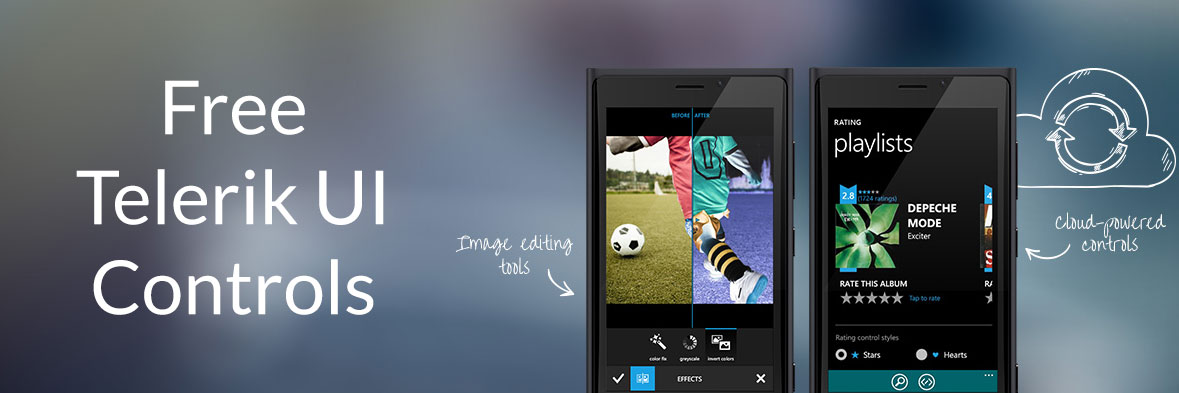
In light of TechEd2014, Telerik is giving away a year’s subscription to their UI Controls for Windows 8 and Windows Phone until the 16th of May, 2014. Telerik’s famous and highly-valued UI controls make designing beautiful Windows applications an easy feat, with multiple design templates and building blocks waiting help you jump start your application. An update that adds controls for Universal Apps will also be coming later in the year and is included in the subscription. If you’re a developer you won’t want to miss this. Grab this while it lasts, here.