Microsoft Announces Office 365 Personal

Microsoft has just announced Office 365 Personal, a great new option for individuals to experience Office 365. According to Microsoft, they recognize that there are households of all shapes and sizes and the company is committed to delivering the right Office for everyone – whether that be one person or an entire household. Coming this spring, Office 365 Personal will allow for one PC or Mac and one tablet to be connected to the service and will be available for $69.99 USD/year or $6.99 USD/month1. If you still want Office 365 for the whole family, Microsoft will continue to offer the Office 365 Home Premium subscription for households under a new name – Office 365 Home. Whichever Office 365 subscription you choose, you’ll get all of the subscription benefits including 60 minutes of Skype calling per month, 20 GB of additional OneDrive storage and always be up to date with the most recent version of Office, complete with the newest productivity features. For more information, head on over to the Office blog. ...

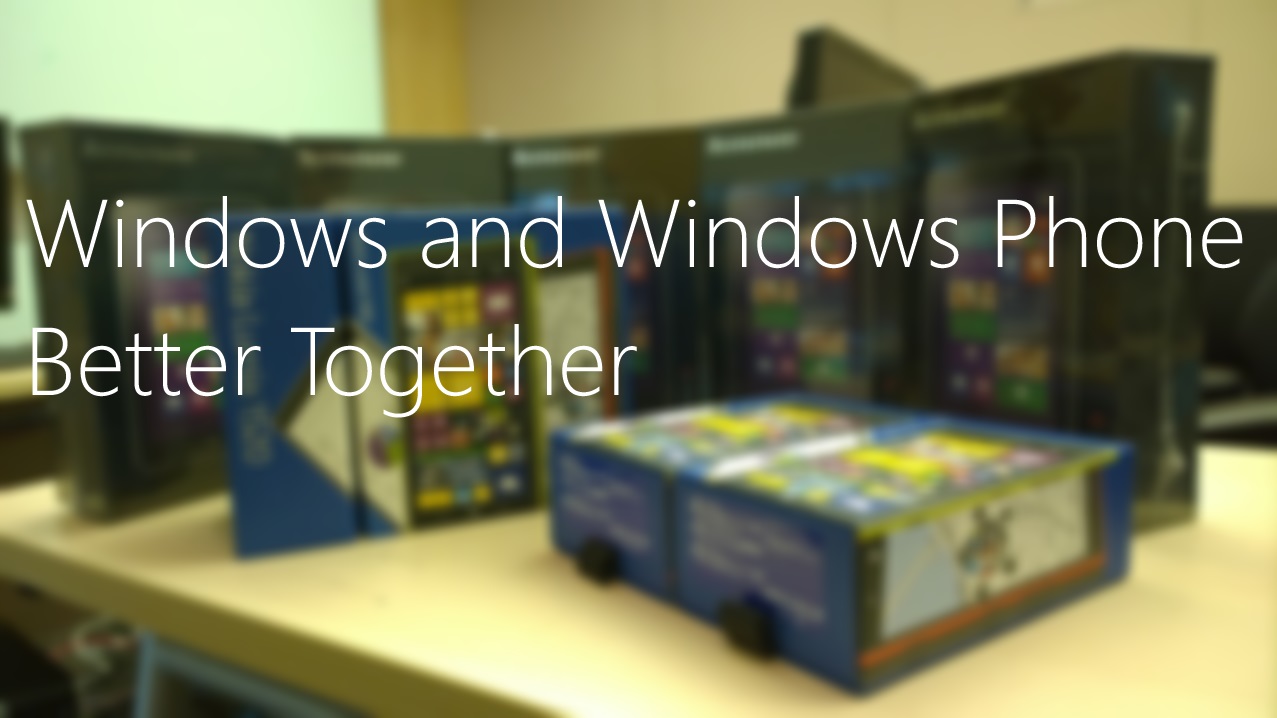
Windows and Windows Phone Better Together Student Competition

Hi Students of Singapore! We have a new challenge specifically targeting Singapore Students from now until 30th April 2014! The “Better Together” contest is a local finals to the Windows and Windows Phone Challenge on www.imaginecup.com. We will have awarding to the Top 5 valid entries from Singapore of Imagine Cup Windows and Windows Phone Challenge 1 x Lenovo Miix8-2 Tablet 1 x Nokia Lumia 1520 Developer Device To participate in this competition, you would need to ...

Act now! 15% off 2 Visual Studio Professional with MSDN or Visual Studio Premium with MSDN!

Welcome to the age of extraordinary expectations. Every app must work flawlessly, seamlessly, and elegantly on every device, all the time. Visual Studio 2013 helps developers blow minds and win business with the most advanced, integrated solution available—state-of-the-art tooling and services designed to help you develop, test, deploy, and support service-powered apps that transform the user experience across all devices. Embrace the cloud at your own pace to quickly and effectively meet customer needs. Develop, test, deploy, and support faster than ever before. ...

March 18, 2014 · 2 min ·  Ying Lim

What's 'Appening: New Year

What’s ‘Appening is a series of lists by Microsoft Singapore detailing some must-have apps for your Windows 8 or Windows Phone device. Many of these lists were meant for release weeks, or even months ago, but the app list is still more or less relevant. Do check them out and discover some hot new apps! Note: A flurry of What’s ‘Appening lists will be regularly published until the latest release has been caught up with. ...

How to do a Speed Test on Windows Phone

Enter the Windows Phone Store Search for “Speedtest.net” Install Speedtest.net by Ookla Run the app and click start in the application bar Download and upload speed results will be shown Sharing and more options present in the application bar Originally done for StarHub Community, which lacked a tutorial for Windows Phone.

IT Camp – Moving to Hybrid Cloud with Windows Azure Virtual Machines & System Center 2012 R2

Join us at our Microsoft IT Camp – Moving to Hybrid Cloud with Windows Azure Virtual Machines & System Center 2012 R2. Microsoft IT Camps are no cost, hands-on technical training events for IT professionals led by Microsoft experts. Attend the IT Camp: Moving to Hybrid Cloud with Windows Azure Virtual Machines & System Center 2012 R2 and learn how Microsoft’s Cloud OS technologies can provide an elastic infrastructure to transform your IT resources into a datacenter that is capable of handling the dynamic needs of enterprise businesses. This camp will focus on successfully configuring, monitoring, and managing operation of a hybrid cloud environment and provide a hands-on, interactive experience on how to integrate Windows Azure resources, such as virtual machines and storage, into an on-premises System Center 2012 R2 infrastructure. This camp will dive deep into the end-to-end process of connecting your System Center components to Windows Azure using operational aspects of DevOps as example scenarios. Date : 21 Mar 2014 Time : 9.00am to 5.00pm Venue : New Horizons Computer Learning Center 298 Tiong Bahru Road, Level 18 Central Plaza Singapore 168730 ...

Lessons Learnt From Microsoft BizSpark Summit 2014

On 27th February 2014, Microsoft Singapore held its 1st BizSpark Summit. I was honored to be part of this exciting summit which brought together entrepreneurs and investors in the region to exchange ideas and experiences about the latest developments in the startup scene. Here are three key lessons that I learnt from the Summit: 1. Defining your market size. During the panel discussion on “What investors are looking for in 2014”, panelists pointed out that although there has been exciting developments in the local startup scene, entrepreneurs will need to think globally and not be confined to the Singapore market. An example cited was Redmart, which has successfully raised $3.5 million in its Series A funding and is currently building its logistics capabilities to expand into regional cities. By carefully selecting the right market to target, it will create opportunities and insights that might otherwise be overlooked. There are several methods for gauging the market size of specific industries and customer segments. Besides popular analyst groups such as Gartner Group and Forrester Research, you can also research market statistics on analyst report sites such as IBISWorld and MarketResearch. To determine competitor’s market share and customer growth markets, you can perform calculations based on the competitor’s web traffic that is tracked by Alexa and Quantcast. ...

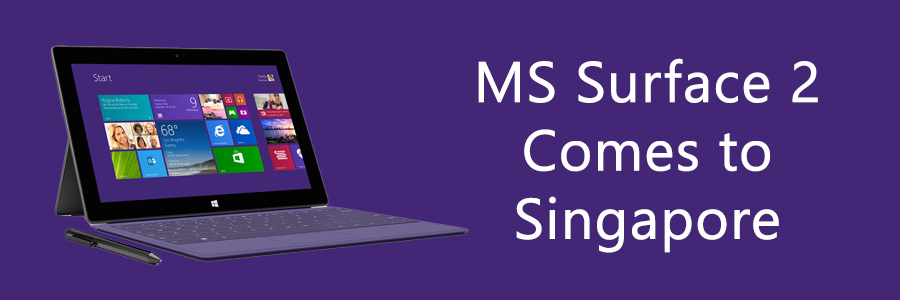
Microsoft brings Surface 2 to Singapore

Microsoft brings Surface 2 to Singapore Surface 2 is the one device for everything in your life, will be available for purchase from March 14, 2014. SINGAPORE — Feb. 27, 2014 — Microsoft Singapore on Thursday announced that the company is responding to worldwide customer interest by releasing Surface 2, as well as the Type Cover 2 and Touch Cover 2 in Singapore on March 14, giving customers in the city-state the opportunity to click in and do more. “We have been encouraged by the strong interest among consumers for the Surface line of devices in Singapore, where consumers are increasingly looking out for a tablet for both work and play,” said Ian Tan, Surface Consumer Lead, Microsoft Singapore. “Surface 2 builds on the strengths of Surface RT, enabling portability and productivity in one sleek device. With the inclusion of the Office RT productivity suite and a fast-growing Windows app store, you can truly get more done.” ...

Automate System Center Deployment with PDT

What is PDT? PDT refers to PowerShell Deployment Toolkit. It is a community Toolkit to help automate System Center deployment. PDT is posted to the TechNet Gallery here. PDT consists of 5 files: Installer.ps1 is the PowerShell script that you run to actually perform the deployment. It should be run from a system that is not a target system for the deployment itself – it can even be run from a workstation. Workflow.xml contains all the “knowledge” of how to deploy system center – we will look in more detail at the content of this file in later posts. Variable.xml is the file that you modify to define your deployment. Downloader.ps1 is a utility to allow you to obtain all the software required to deploy. Using this utility will be the topic of another post. VMCreator.ps1 is a utility to quickly create domain joined VMs on which to deploy. Using this utility will be the topic of another post If you are interested, also check out the MMS2013 session on this topic: http://channel9.msdn.com/Events/MMS/2013/SD-B302

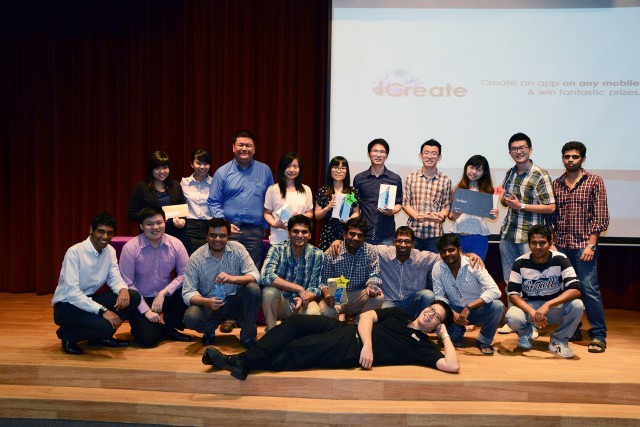
Developer Feature: Team Westeros

In this Developer Feature series, Spiffy talks to up-and-coming developers to learn what makes them tick. For our first feature in 2014, we have 35-year-old Team Westeros, made up of computer engineers Du Lingyi, Huang Geng, Meng Kaizhi and Zheng Naijia. Together, they developed an a Windows Phone/Windows 8 app for NUS’ internal Integrated Virtual Learning Environment (IVLE). [caption id=“attachment_17079” align=“aligncenter” width=“640”] Team Westeros members: Huang Geng (Back row second-rightmost), Du Lingyi (Back row third-rightmost), Meng Kaizhi (Back row fourth-rightmost)[/caption] ...