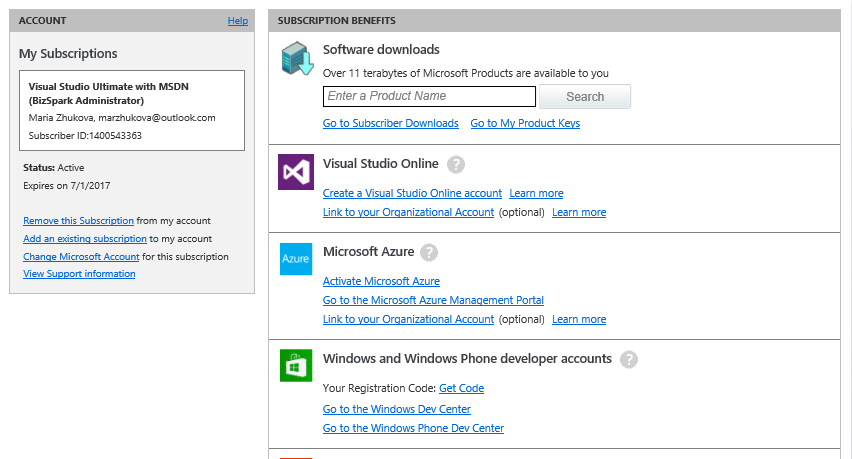
 So you’ve signed up for and gotten approved for BizSpark; the next step is to activate your Azure credits so you can start running backend stuff for your app. Here are 7 steps to activate your free monthly USD150 worth of Azure benefits.
1) Primary user logs on to BizSpark
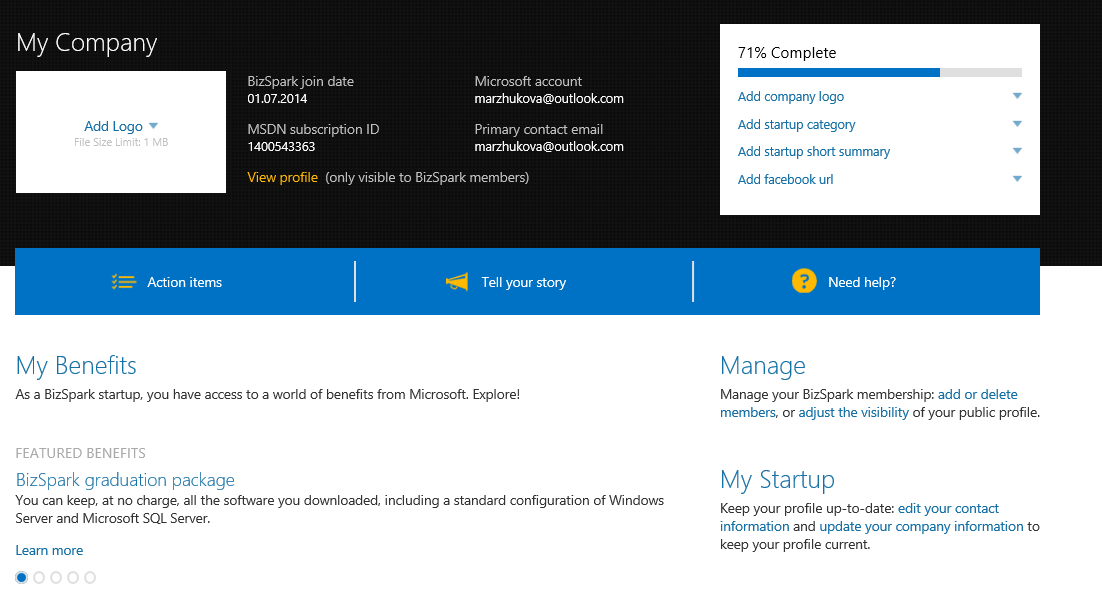
2) Click on ‘My Benefits’ > ‘Microsoft Azure’ > ‘How do I get it.’
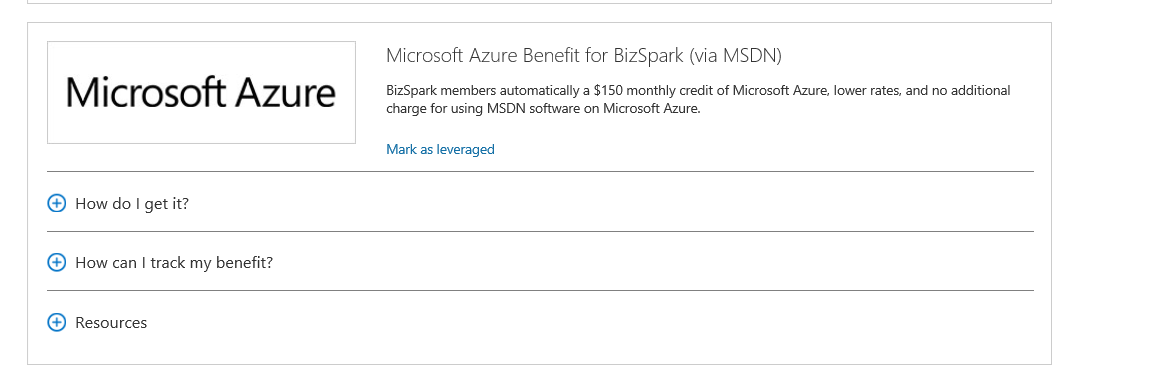
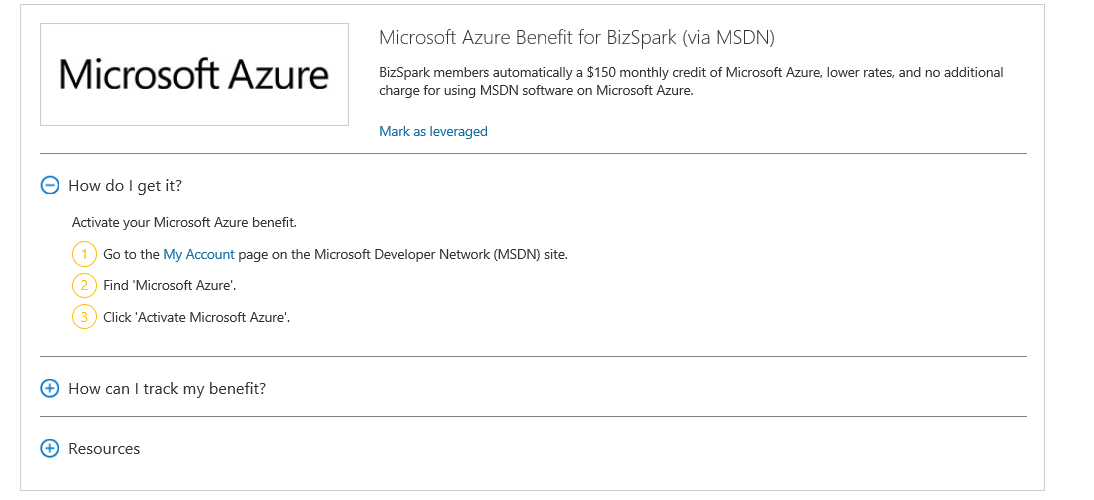
3) Clicking on ‘My Account’ will bring you to the MSDN Subscription page, where first-time users need to activate their accounts by clicking on “Activate your account” link
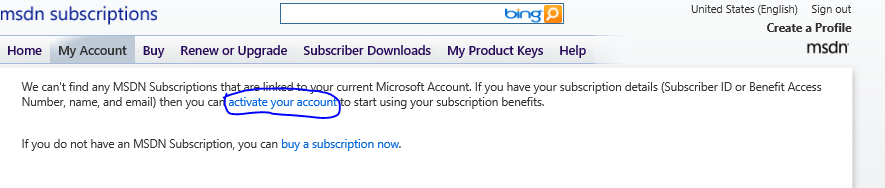
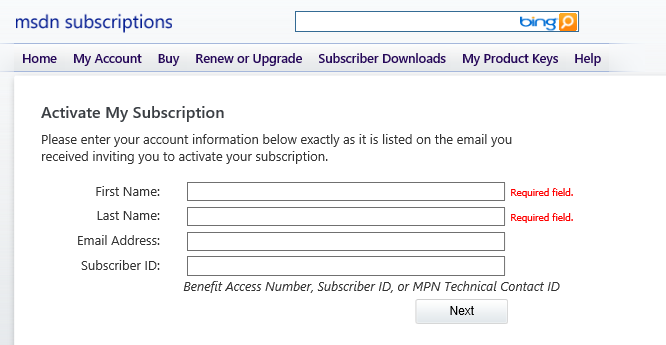
4) You input your details.
- Email address should be the Primary contact email used for your BizSpark Registration.
- MSDN Subscriber ID is located at your Startup Dashboard.
- First name and last name should match your BizSpark registration as well.
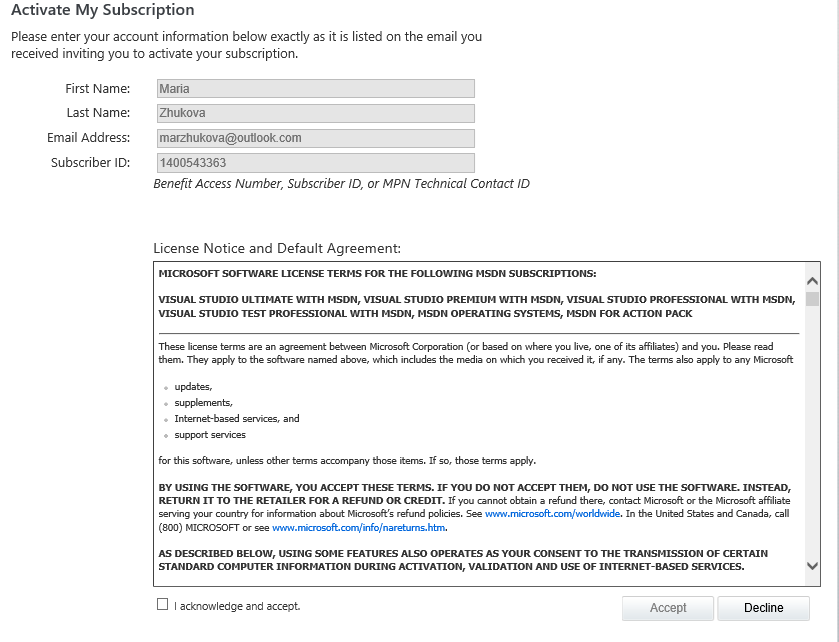
5) Accept the MSDN agreement.
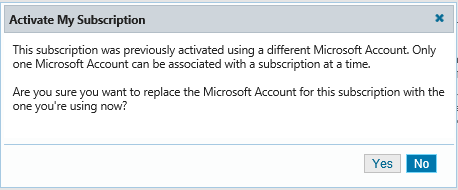
6) After subscription is activated, you will see the MSDN benefits dashboard and can activate/update your benefits.