Photography Guide - PASM & EV

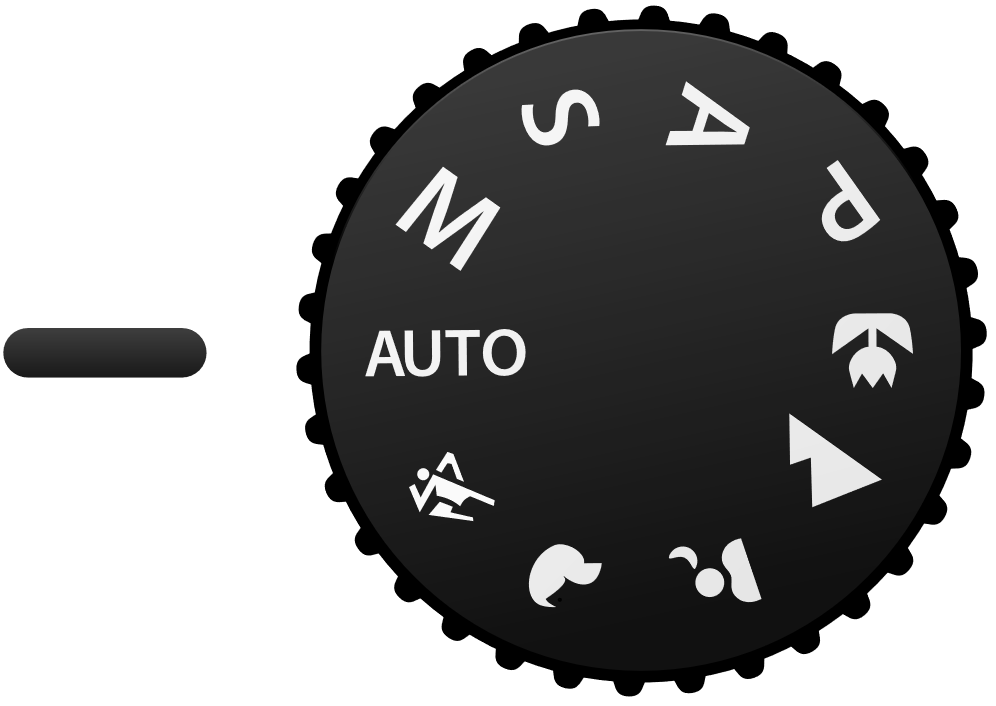
If you have a DSLR, you must have seen the mode dial with 4 letters P, A/Av, S/Tv, M. So what does that mean? P - Program Mode Basically, it means auto. Camera will set everything for you. A - Aperture Priority This mode lets you decide how much background blur (bokeh) you have. If you look at your camera, there is a setting with “F” follow by a number. Example: “F8”, “F2.8”, “F2”. The smaller the number, the more background blur you have. This is the most commonly used mode. If you want to know how to do bokehlicious photo. Please watch [this video](https://www.youtube.com/watch?v=LDcS4zN92rA “How Do You “Do” Bokeh?”). If you don’t want the introduction part, just jump straight to [2:43.](http://www.youtube.com/watch?v=LDcS4zN92rA&t=2m43s “How Do You “Do” Bokeh?”) S - Shutter Priority This mode lets you control the shutter speed. High shutter speed allows you to freeze moving subject and slow shutter speed allows you to take special photos like light trail photography. This mode is usually used in situation with lots of movements and you want to “freeze” them without motion blur. They are usually displayed in 1/X if the speed is less than 1sec and X" if the speed is more than 1 sec. A rough guide for everyone. To prevent motion blur, the minimum shutter speed I will recommend are as followed. Stationary group shots - 1/25 Moving people (Walking/Presenting) - 1/60 Running man - 1/125 Moving car - 1/250 Of course these do not work all the time, take more photos and you will slowly understand how it works. M - Manual Mode Well….. this is the most complicated mode. This mode required you to set aperture and shutter speed by yourself. Unlike the other modes, they will auto adjust the rest of the setting to adapt the different brightness condition. However, this mode allows you to achieve the most amazing photo effect. ...

Level up your Microsoft Account with Microsoft Account Android App

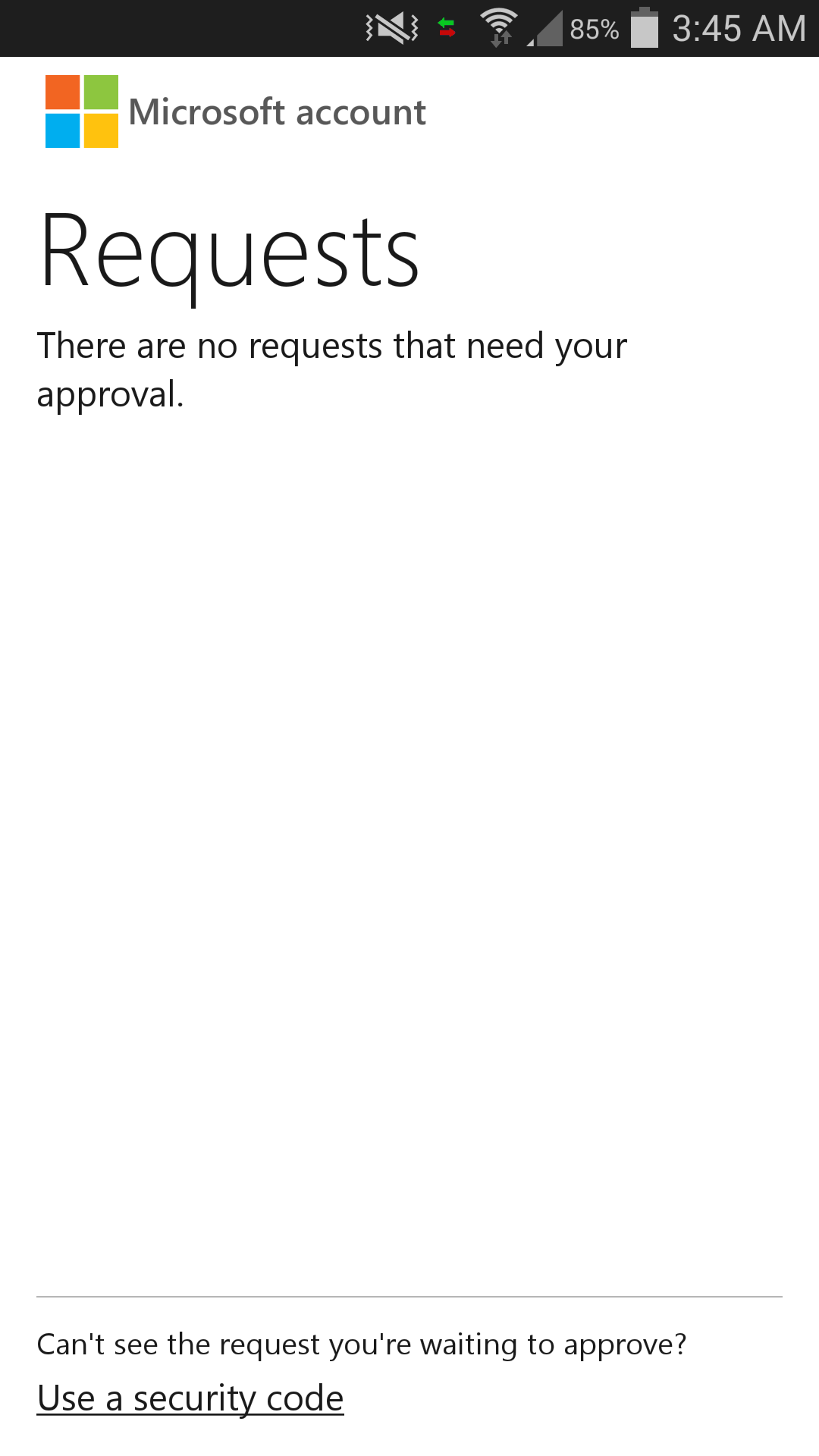
Some of you might have heard of 2-Step Verification. Google has their Google Authenticator. Well….. Microsoft now has our own authenticator app for the Android users. It’s called Microsoft account!!! One sentence to sum it up: It is awesome! For Google Authenticator, we have to remember the dynamic 6 digit code which changes every 30s. If you are using Microsoft account app, all you need to remember is where you put your phone! (LOL) When you open the Microsoft account app, you will only see requests. If previously you had logged in but didn’t complete the 2-Step Verification. You can see that there will be a login request with the approve request. With this, you are able to track if there is a suspicious activity going on in your Microsoft account. Big plus for this feature. To log in using Microsoft account app is even easier. Once you sign in to the Microsoft account, it will display an approve request code which you can check with your phone. If the approve request code on your phone is the same as the one shown in the browser, go ahead and approve it! Wait! There is one special thing. If you are using your phone at the same time (Facebook-ing/Twitter-ing), you don’t even have to enter the Microsoft account app! Just go to the notification and there is the “approve” or “deny” option for you to reply the request. THIS IS SO BRILLIANT. What if your phone doesn’t have an internet connection? It is alright. At the bottom, there is an option for you to use the traditional dynamic number code to login. Both Google Authenticator and Microsoft account app have multiple account support. Since Microsoft account app is so much better than Google Authenticator, does it mean that I can delete Google Authenticator app? Well……. The answer is NO! There is one thing that Google Authenticator does better than Microsoft account app. That’s third party app support. Web service such as Dropbox uses Google Authenticator to generate the dynamic login code. Without Google Authenticator, you will not be able to use the 2-Step Verification unless you opt for SMS / Email one time password. So Microsoft listen up!!! Please start developing for third party support! Personally, I hate to have 2 application that does the similar job. It just pisses me off when that happens (thanks to the awesome Lungic XD). ...